With Windows 10 operating system, you’ve multiple sign-in options available. In addition to traditional password, you can add a sign in PIN, setup picture password etc. However, the question often comes in which concerns what is most secure sign-in option among them. Well, in this article, we’ll try to find out an answer.
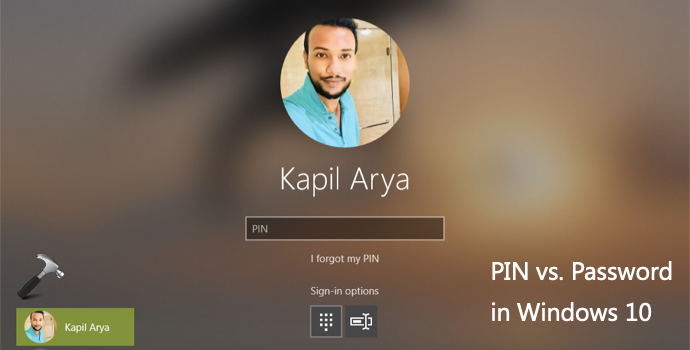
Usually picture password is less used sign-in option so we can eliminate it for this discussion. So the battle remains between PIN and password sign-in options. Let us find out which is more safe to use.
PIN vs. Password Sign-in Option In Windows 10
Though you can use PIN complexity in Windows and set a PIN, just like a password. In the below table, we’ve a good comparison of both sign-in options.
| # | PIN | Password |
|---|---|---|
| 1 | Sign-in PIN option is tied to system hardware i.e. Trusted Platform Module chip. This chip can perform cryptographic operations. Overall the chip is not temperable and even malicious software can’t break integrity of this chip. After many unsuccessful attempts of sign-in, it can automatically lock device. In short, your PIN is safely backed up by TPM hardware. | Password is not tied to machine hardware. |
| 2 | If someone knows your PIN, they will still need the device to gain control on your information. This is because PIN is backed by hardware. | If someone knows your password, they don’t necessarily need your device, as they can sign in from anywhere and gain control on your information. |
| 3 | Using PIN complexity, you can set much complex PIN as compared to password. Additionally, IT administrators can impose same complexity for creating PIN to clients in their organization. | Password complexity can be applied using GPO but again, password will not be backed by machine hardware. |
| 4 | PIN is mandatory requirement for setting up biometrics. So if the biometrics fails, users have option to sign-in with PIN. | Password is not required to setup biometrics. |
From above comparison, it seems PIN provides a better security than traditional password. Hence, PIN is much safer sign-in option for Windows 10.
That’s it!
![Windows needs your current credentials [Fix]](https://www.kapilarya.com/assets/password_icon_1783831080.jpg)