

Consider the following scenario:
You are trying to compute Windows Experience Index, but it is showing error like due to absence of video playback performance, Windows is unable to compute the Windows Experience Index. In this case you came to know that the operation ran for sometime and gets automatically closed. You can find more information on this in Windows event log. Here is similar screenshot of the issue.
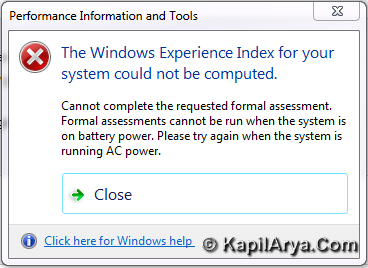
This issue implies that Aero is also disabled on your Windows 7 or there is a problem with Aero on 7. Now here is what you can do to fix the issue.
How To : Force Windows 7 To Enable Aero
1. Press  + R and put regedit.exe in Run dialog box to open Registry Editor (if you’re not familiar with Registry Editor, then click here). Click OK.
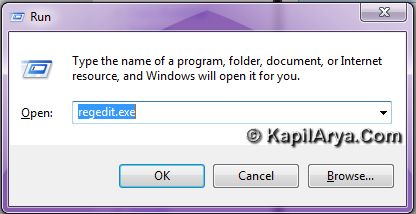
2. Now navigate here:
HKEY_CURRENT_USER\Software\Microsoft\Windows\DWM
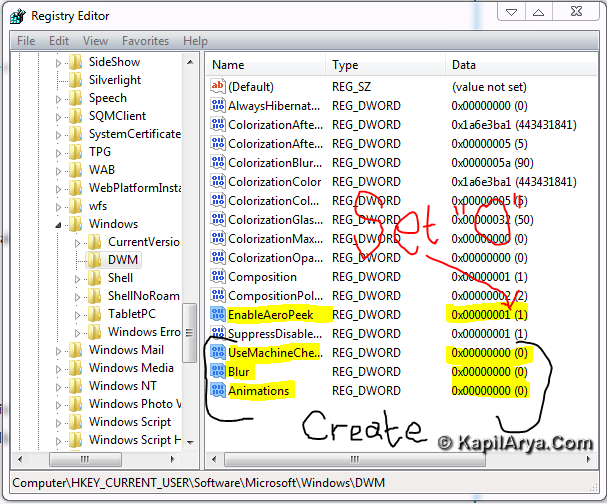
In the right pane, type the corresponding value data for the registry DWORDS:
EnableAeroPeek – “0” (Zero)
UserMachineCheck – “0” (Zero)
Blur – “0” (Zero)
Animations – “0” (Zero)
If you don’t found these DWORDS, create them manually from right click inside right pane. Close the Registry Editor.
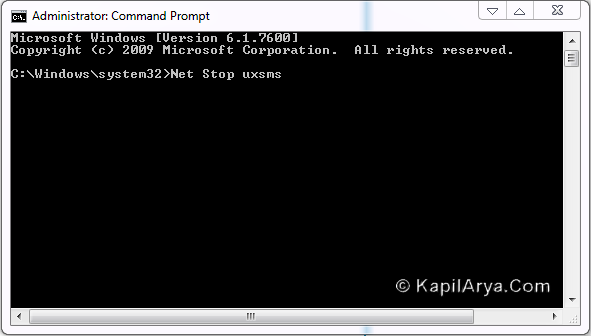
3. Open the Command Prompt with administrative privileges and type following commands one by one followed by Enter:
Net Stop uxsms
Net Start uxsms
4. Now reboot the machine, and navigate to Desktop -> Personalization -> Windows Color and Personalization. Now you can adjust Aero effects as shown in below image.
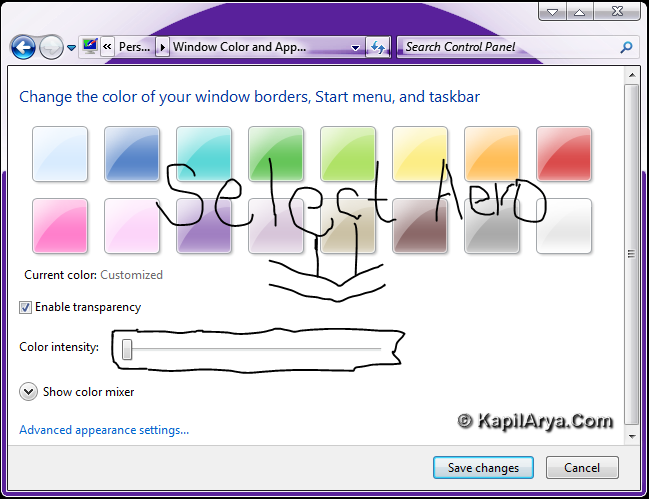
That’s it!







thanks its a good tip ):
yet another must read… Awesome bro
liked! Thanks 4 share!