Firefox‘s about:config command is the core configuration file of Firefox. By editing about:config file we can get amazing tweaks and hacks for Firefox 3. User can access to many setting of Firefox from about:config. You can access to it by putting about:config at address bar of Firefox. Here are the tweaks for Firefox that will maximize your browsing experience.
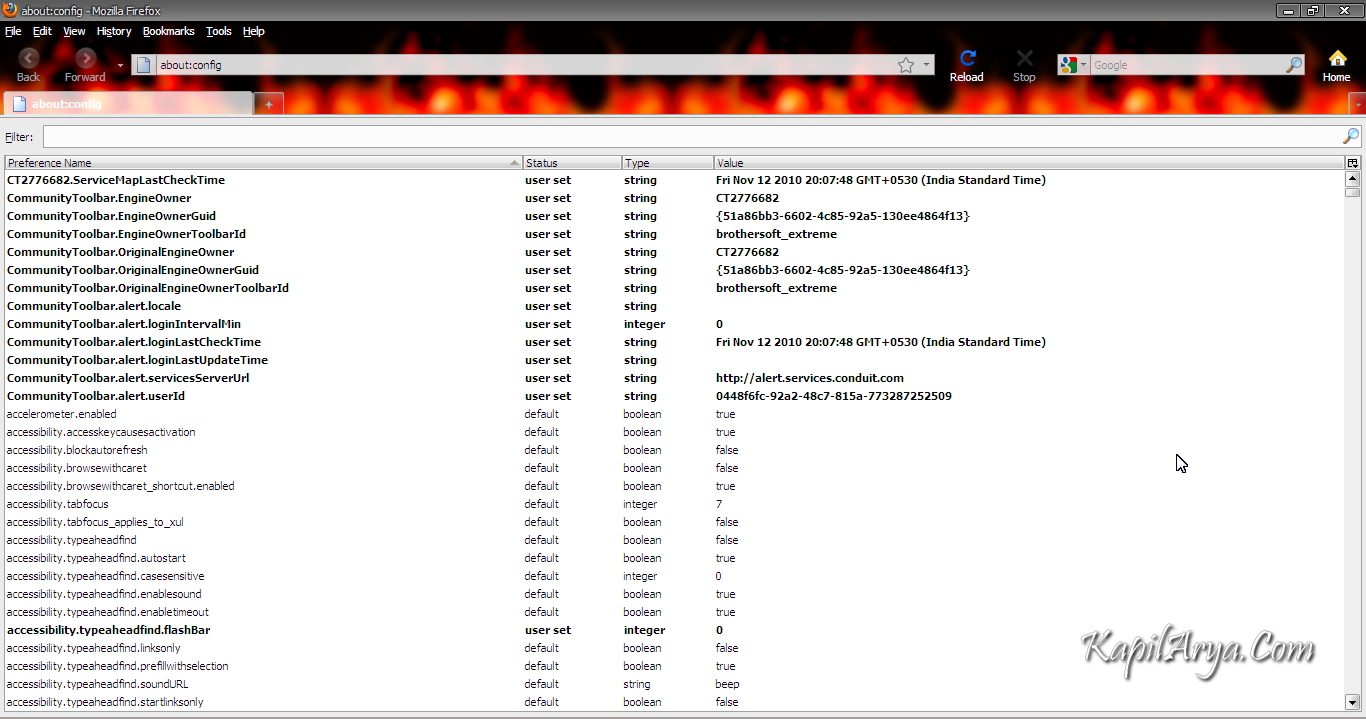
Awesome about:config Tweaks For Customization Of Mozilla Firefox
Following are the tweaks you can apply to Mozilla Firefox:
1. Location Bar (Set number Auto Complete URL at Address Bar) : This is a good hack to trim down that huge auto-complete list on your URL bar. By default it displays maximum 12 URL.
browser.urlbar.maxRichResults = #
Enter your desired no. of URL’s (e.g. 5, 10, 15 etc.).So it look like this:
browser.urlbar.maxRichResults = 15
2. Stop Displaying Website Icon (Favicon) in Address bar & On Tab : This will make disable favicon’s.
browser.chrome.site_icons = False
3. Disable Prefetch : This will make disable prefetch. Helpful for frequent Google searcher, low-speed internet connection or low RAM.
network.prefetch-next = False
4. Extend Spell check to forms : Replace 1 to 2.
layout.spellcheckDefault = 1
5. Disable Blinking Text:
browser.blink_allowed = False
6. Remove Tab Close Button from all Tab and set A single Close Button at Right : Single close button to control all Firefox opened tabs.
browser.tabs.closeButtons = 3
7. Disable Browser Toolbar Tip :
browser.chrome.toolbar_tips = False
8. Show More Tabs on Single Firefox Window before Scrolling :Setting lesser value with reduce tab width.
browser.tabs.tabMinWidth = 75
9. Disable Delay Time While Installing Firefox Add-on : Zero is number of seconds Firefox should wait while installing Add-on.
security.dialog_enable_delay = 0
10. Open Firefox Default Search Bar Result in New Tab :
browser.search.openintab=True
11. Auto Complete URL while You type at address Bar :
browser.urlbar.autoFill=True
Note: Many of above about:config hacks are available in Older Firefox Version and may be available in new version , if some thing goes wrong then feel free to restore your about:config to older setting (Right Click on the setting you have modified and choose “Reset”).