

After the release of Windows 8 or 8.1, How can I install the Windows 8?, How to install Windows 8 in Virtual Box?, How to install Windows 8 using USB Drive? etc. were the most probable questions that were asked by most of newcomers who want to try Windows 8.
After getting so many request we’re now going to share the easiest way to install Windows 8 using flash drive/ USB drive/ pen drive. Just follow the simple steps and install Windows 8 or 8.1:
REQUIREMENTS : Windows 8 or 8.1 ISO file | A USB drive with capacity 8 GB or above.
How To : Install Windows 8 Using USB Drive
1. Download and install Microsoft’s official Windows 7 USB / DVD tool from below link:
Now install this tool using simple instructions. After installation launch this tool.
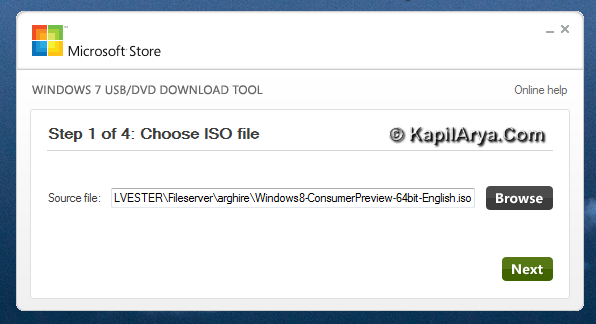
2. Moving on, locate the .iso image file for Windows 8 or 8.1 and click Next. This is shown below:
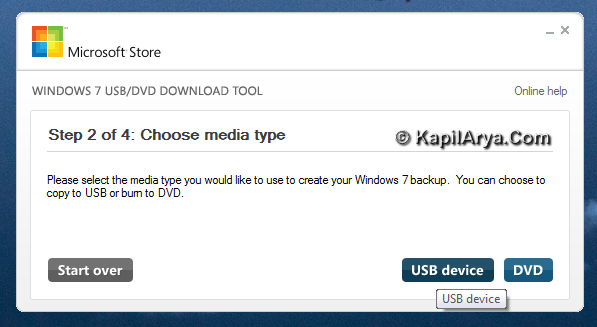
3. Next, choose media type as USB device.
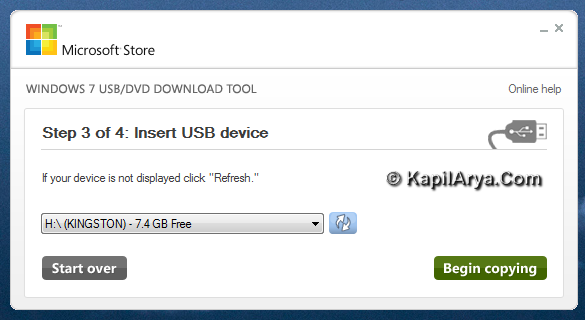
4. Plug in the USB drive now and select the same. Use Refresh button if drive doesn’t appears at first attempt.
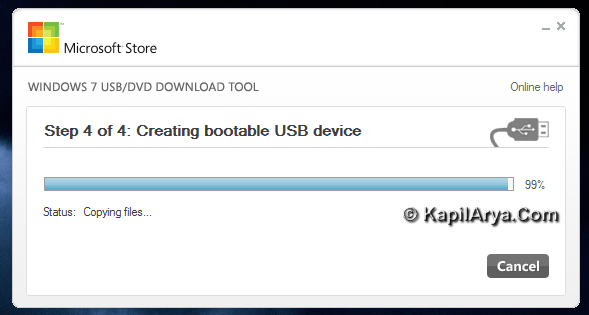
Now tool will create the boot-able USB from ISO file. This may take some time, so be patient!
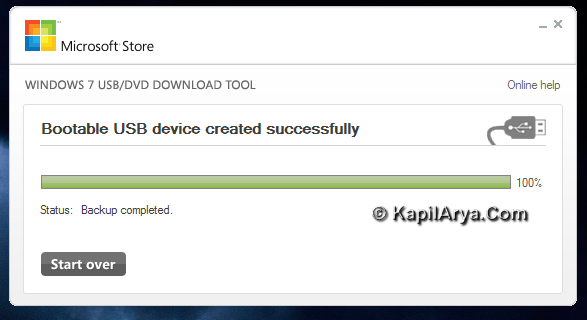
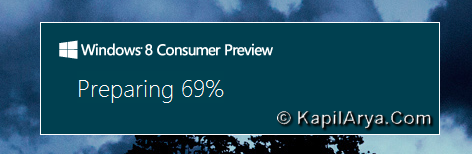
5. Once done copying, keep the USB plugged in and reboot (make sure you have provided first preference to USB boot from BIOS, this is the basic thing about your computer so I leave it up to you). Now the system will prepare for setup.
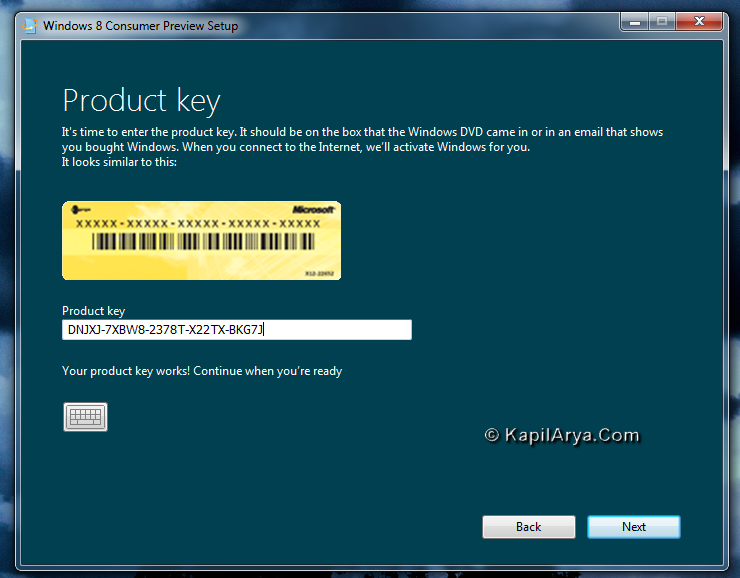
6. Now follow the on-screen instructions and proceed accordingly. Enter the product key (the product key shown in image is for beta version which won’t work now):
7. Now almost done. Further steps are same as shown in this tutorial after the step 9, so proceed accordingly.
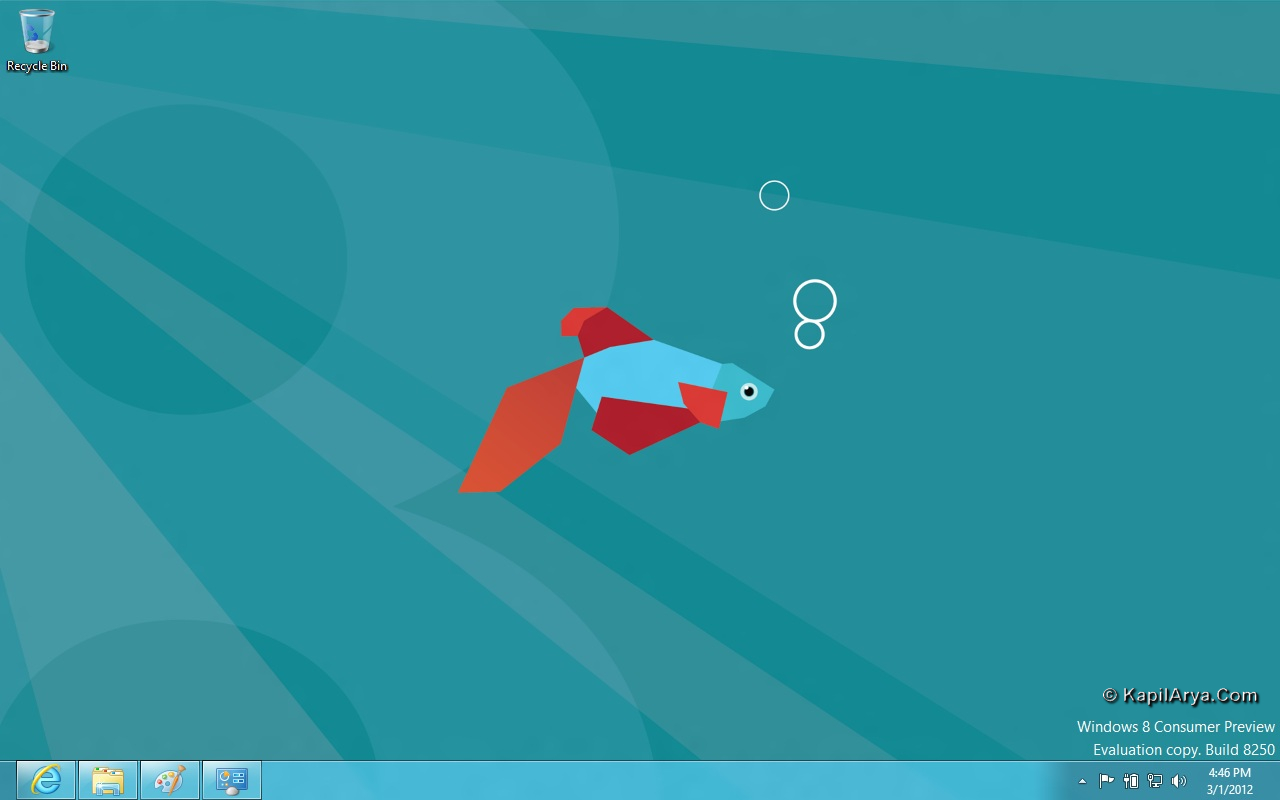
Good luck and have fun using Windows 8!






Hardly looking for this! thanks dude..
no doubt its better than following virtualization, brilliant work :)
AwEsOmE ~^^~ ;)
Hello Guys!
How much minimum space needed in USB?
@ bhavesh,you must have atleast 8 GB pendrive or more dan dat , the more is space more better results
@ Kapil,good article, keep it up
@ Kyle,correct,but some software makes it easy on go
thanks Kevin, one more ques. i have windows vista installed on my pc, and on another drive windows 7, now i want to remove windows vista considering no effects on 7, tell me safiest option available..
^^ Back your data on Vista.
In Windows 7 search box, type disk management, select Create and format hard disk partitions.
Now choose the drive on which Vista is installed. Format this.
ok and how to much partition to create for 8?
^^ 16 GB at least but I would recommend 32 GB ;)
thanks for all help :D:
admin, plz. tell how to remove the build number/watermark?
thanks in advance
awesome tutorial bro!
It’s very useful thnans
Four score and seven minutes ago, I read a sweet article. Lol thnkas
Great goods from you, man. I have understand your stuff previous to and you are just too magnificent. I really like what you’ve acquired here, really like what you are stating and the way in which you say it. You make it entertaining and you still take care of to keep it wise. I can not wait to read much more from you. This is really a tremendous web site.
http://www.kapilarya.com is absolute awsome, thanks