

Cortana, the voice assistant available in Windows 10 is no doubt awesome. Using it, you can search web plus Windows, set reminders, create notes, stay updated with news, weather report and events. Microsoft has provided a closed integration of Cortana in Windows 10 so that it can easily collaborate with other apps available on system.
In order to make Cortana working and take its advantages fully, please ensure following points:
- Cortana will only work after you switch to Microsoft account from your local account
- Cortana is only available in some specific regions of world
- Make sure your regional settings, date and time are correctly set
- Make sure Cortana supports the language pack(s) you’ve installed
In case, if you can’t search anything using Cortana, you may came around either of these messages:
Something went wrong, try this search again.
Something went wrong, try again in a little bit.
I can't seem to connect right now, try again in a little bit.
Sorry, the internet and I aren't talking right now.
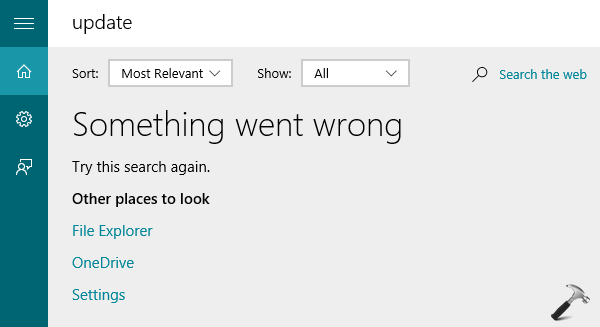
We can understand the inconvenience you face while search is not working and this may also draw you into frustration. When you saw any of the error mentioned above, for first time, try to reboot the system. If rebooting doesn’t solves this problem, you can try the steps mentioned below and see if it works for you.
FIX : “Something Went Wrong. Try This Search Again” Error For Cortana
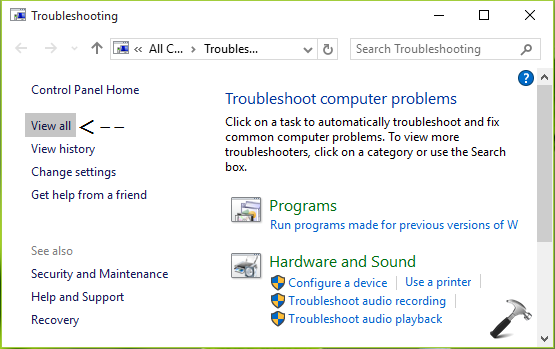
1. Navigate to Control Panel -> All Control Panel Items -> Troubleshooting. In the Troubleshooting window, click View all link.
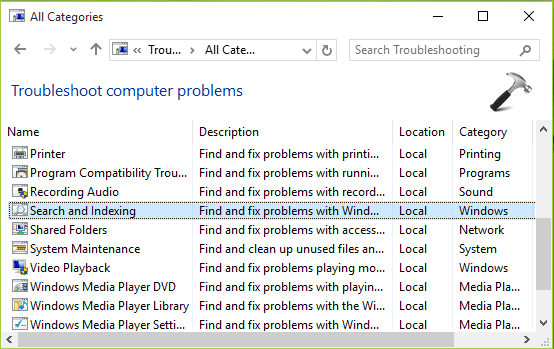
2. Next, in All Categories window shown below, pick Search and indexing and click this link to open corresponding troubleshooter.
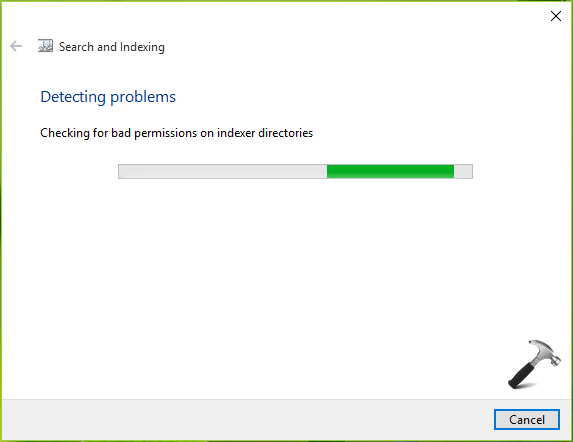
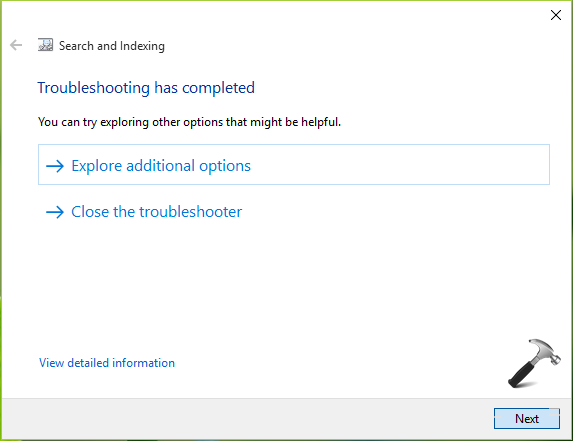
3. Moving on, click Next in the troubleshooter window. It will automatically identify and diagnose the issue present on your system and hence fix them as well.
4. Finally, once the troubleshooting has completed, you can click Close the troubleshooter option here.
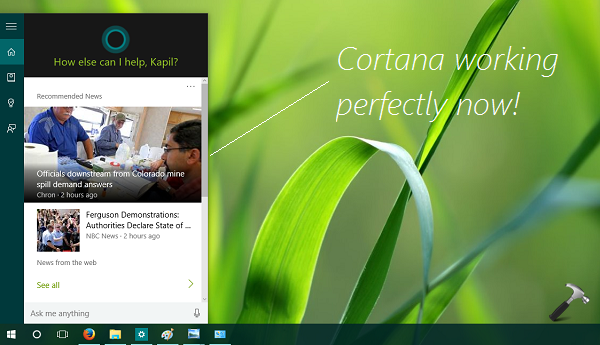
You can check now if the Cortana has started working or not. If not, just do a reboot and you’ll then find that Cortana is working perfectly for all its features, as expected.
Let us know if this helps you! Go here to learn ultimate collection of tricks for filtering search results in Windows 7 or later.

A useful article this one (“Something Went Wrong. Try This Search Again” Error).
But my problem is that the first time I start my PC (WIndows 10) and click on the magnifier icon in the taskbar it works and I can write any word to search.
After that, if I click on the same icon (magnifier) nothing happens and I can no more use the “search” function!
Note that Cortana is still not available to my region (Portugal, PT)
Can you please advise or help on this problem?
Thank you.
^^ Please go through this FAQ:
https://www.kapilarya.com/why-is-cortana-not-available-to-me-on-windows-10
It shows that Cortana is not available in Portugal and you need to align your locale settings to anyone among 7 locale mentioned in the list. Let me know if this helps :)
this worked like a charm :-)
Please help I want to enable Cortona
cortana does not work for me
^^ This may help you:
https://www.kapilarya.com/why-is-cortana-not-available-to-me-on-windows-10
I bought my phone last 2 months. Cortana was great, but now when I ask her to shuffle my music or play My music, she says. I’m sorry, something went wrong try again in a little bit what should I do?
^^ You can try re-registering Cortana and see if it works: https://www.kapilarya.com/how-to-re-register-a-specific-app-in-windows-10. Also try creating new user and check if issue persists on that.