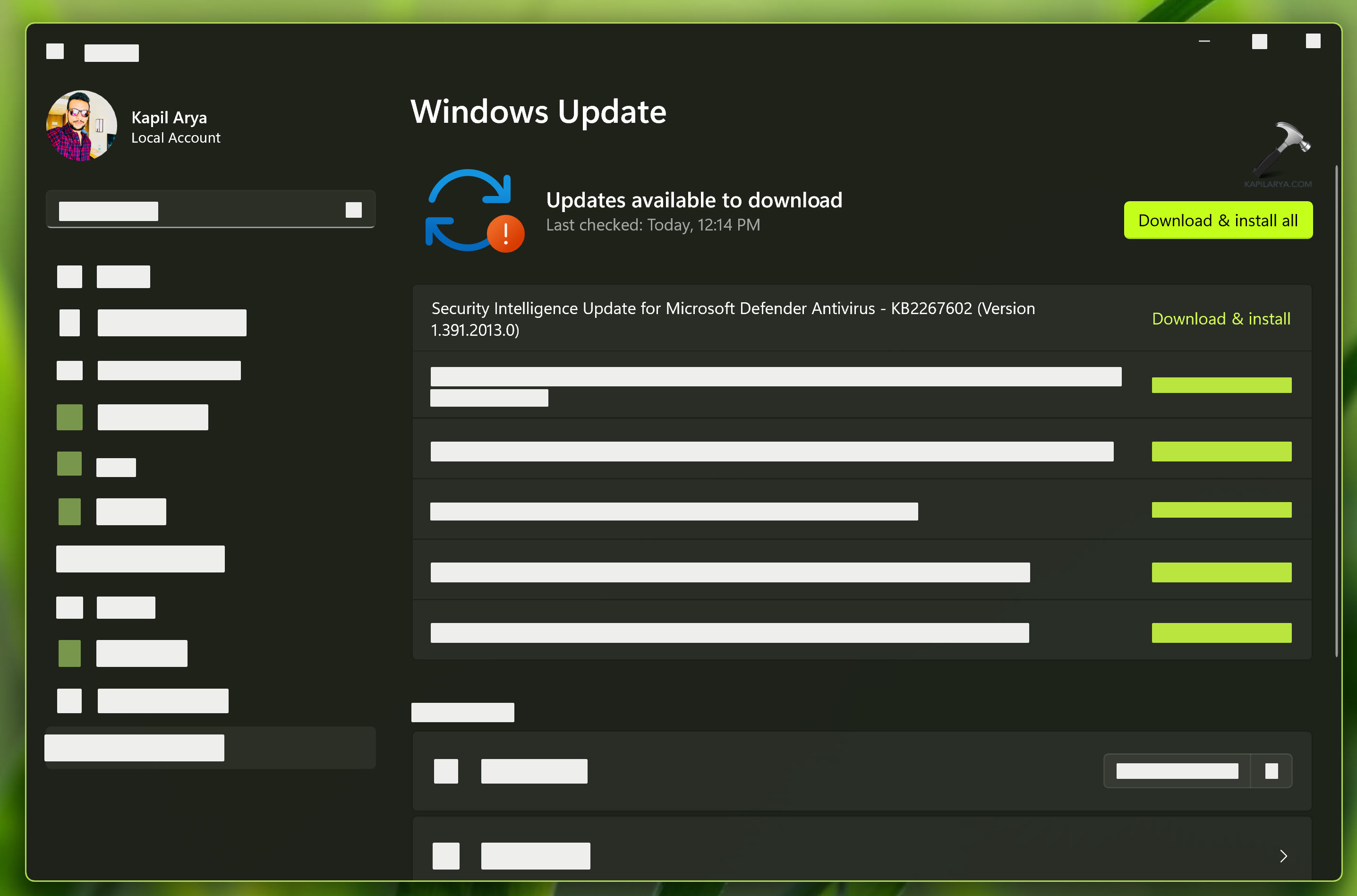
Microsoft continually updates security intelligence in antimalware products to cover the latest threats and to constantly tweak detection logic, enhancing the ability of Microsoft Defender Antivirus and other Microsoft antimalware solutions to accurately identify threats. This security intelligence works directly with cloud-based protection to deliver fast and powerful AI-enhanced, next-generation protection. Microsoft security intelligence updates include software that incorporates material from third parties. This article will help you to fix if Security Intelligence Update not downloading/installing on Windows 11/10.
Page Contents
Security Intelligence Update not downloading/installing
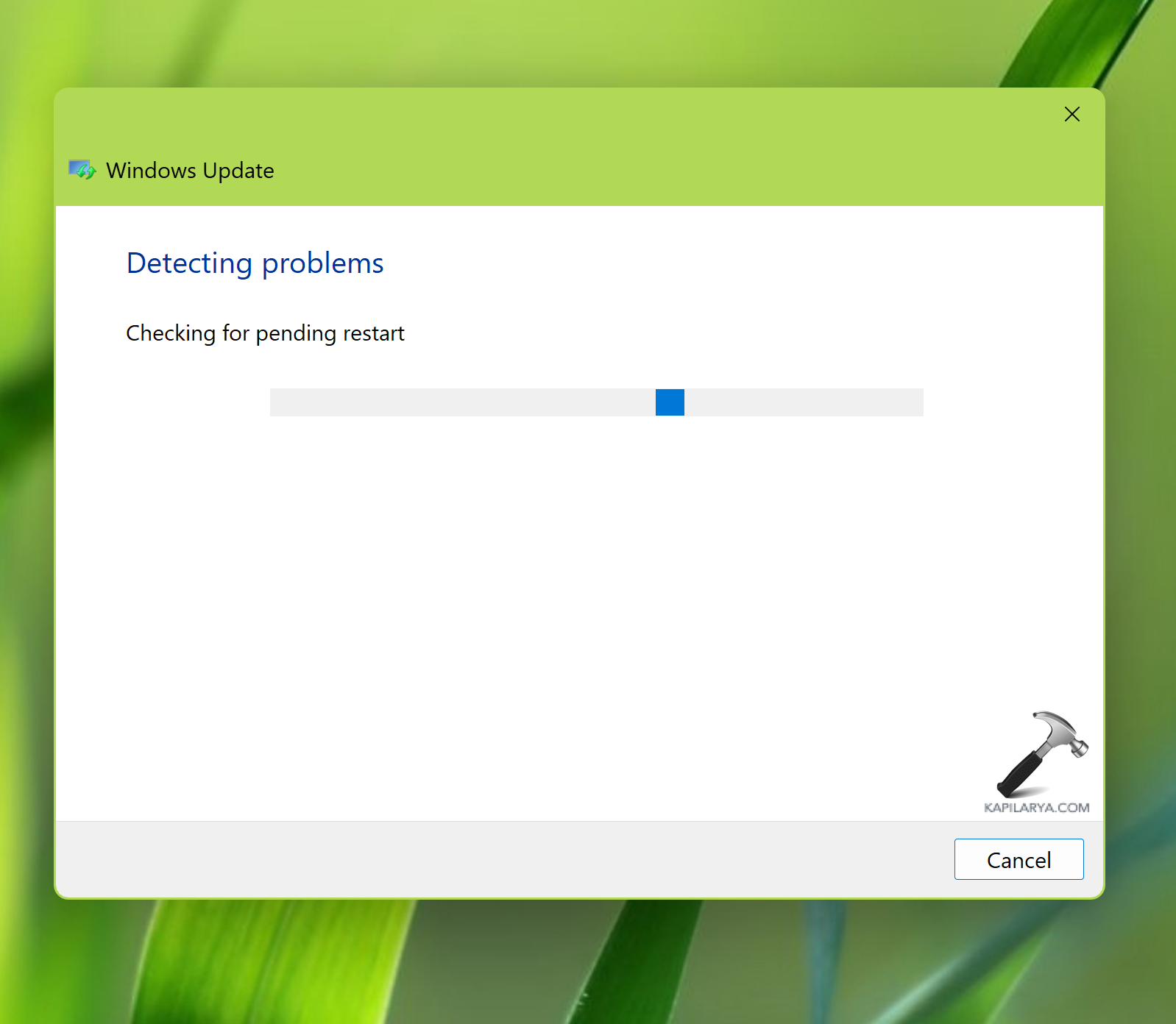
Fix 1: Run Windows Update troubleshooter
- Open Settings by pressing Windows + I keys.
- Click System > Troubleshoot > Other troubleshooters.
- Click on Run next to Windows Update.
- Let the troubleshooter find and fix issues with Windows Update automatically.
Fix 2: Check Group Policy
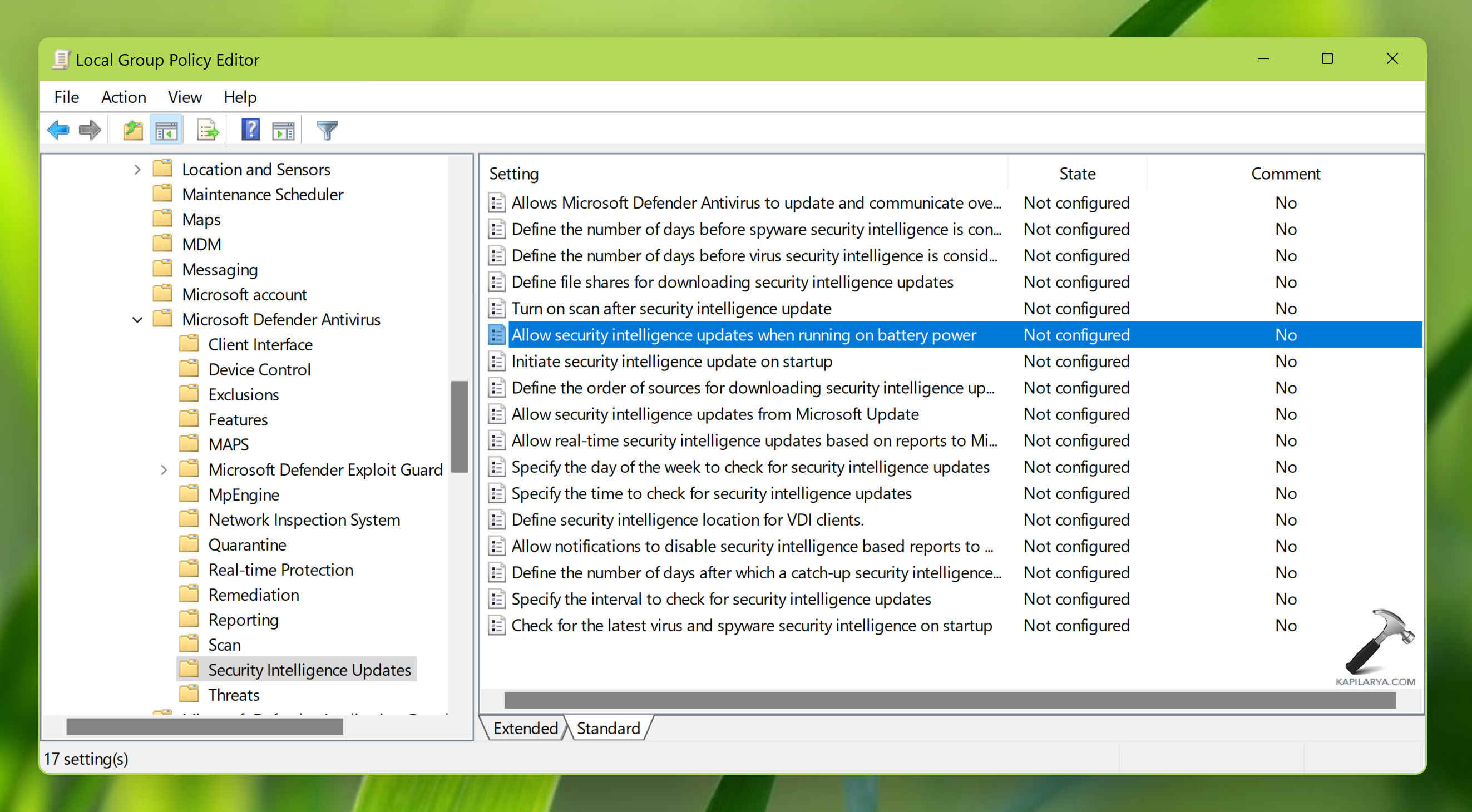
- Press Windows key + R to open Run, type
gpedit.msc, and hit the Enter button. - Go to following location: Computer Configuration > Administrative Templates > Windows Components > Microsoft Defender Antivirus > Security Intelligence Updates.
- Under Security Intelligence Updates, locate policy setting named Allow security intelligence updates when running on battery power.
- Double click on this policy setting and select Enabled.
Fix 3: Reset Windows Update database
Open administrative Command Prompt and type following commands one-by-one followed by Enter key.
net stop wuauserv
net stop cryptSvc
net stop bits
net stop msiserver
Ren C:\Windows\SoftwareDistribution SoftwareDistribution.old
Ren C:\Windows\System32\catroot2 Catroot2.old
net start wuauserv
net start cryptSvc
net start bits
net start msiserver
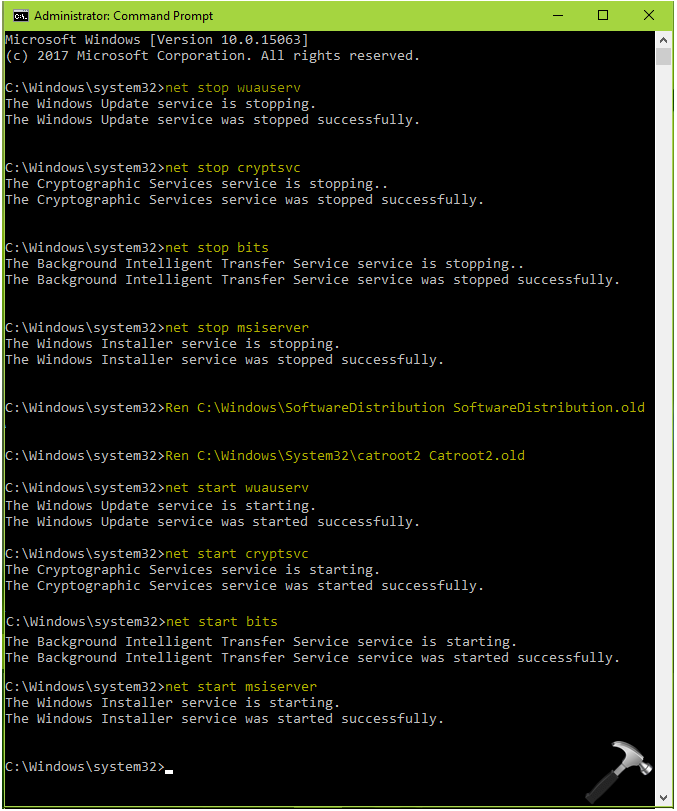
Close Command Prompt and see if Security Intelligence Updates works then.
Fix 4: Download Updates manually
If Fix 1-3 does not resolve your problem, then you can try to install the security intelligence updates manually. But Security Intelligence Updates are not available through Microsoft Update Catalog which is common approach for downloading updates manually to make offline installation. In this case, you need to go Microsoft’s Security Intelligence Updates page at following location to download these updates manually:
https://www.microsoft.com/en-us/wdsi/defenderupdates
Hope something helps!