

We have waited so long for this day, and it finally arrived. Today is the day when we all are getting Windows 10, the last operating system of Windows system. Microsoft has started pushing the newer OS via Windows Update.
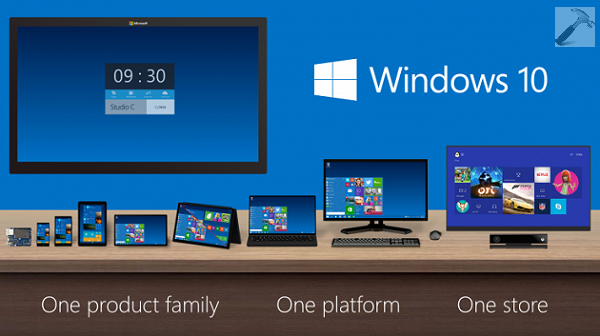
Finally, Windows 10 Is Here!
Here is how do you get your Windows 10 right now:
1. Directly download Windows 10 installation media creation tool from following page:
Download Windows 10 ISO from Microsoft
This tool is similar like Windows 8.1 Installation Media Creation tool. You can use it download ISO or upgrade the system using a USB drive. Use the ISO to make clean install:
How to make clean install of Windows 10
2. If you’re on Windows 8.1 Update or Windows 7 SP1, you’ll see bunch of new updates to install under Windows Updates. Install those updates and follow the successive steps of this guide to proceed with upgrade:
3. If you’re a MSDN subscriber, checkout the subscriber downloads page, you’ll find the Windows 10 download enlisted there. MSDN gives you ISO, which you can use for clean install.
So these are the steps anyone of which you can follow to #upgradeyourworld. Other helpful tutorials to checkout:
1. How to download new Windows 10 build using Windows Updates
2. How to reinstall Windows 10
4. How to enable Start Screen in Windows 10
5. What’s new in Microsoft Edge
Hope you’ll love Windows 10, Good luck!






sir when I goes to iso download page it asks to
select editions. windows10,windows10N,windows10 single language..finally I wanted to know what there telling…
^^ Select Windows 10 option there and proceed :)