

Few months back, Microsoft has released the Customer Preview of its productivity suite viz. Office 2013 (Office 15). Now, again its time to share a good news with you. Microsoft has just unveiled a 60-day free trial version for the Office Professional Plus 2013 productivity suite, letting those who want to buy the software give it a spin before making a purchase.
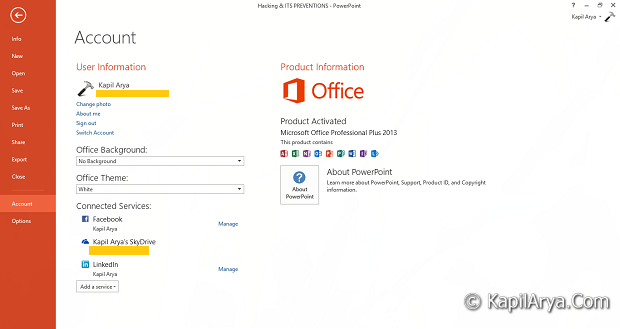
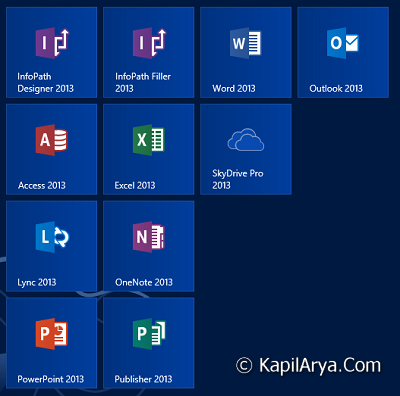
The trial package is available via the Technet website and includes all of the popular Office apps, such as Word, PowerPoint, Excel, Outlook, OneNote, Access, Publisher and Lync. You can buy the product key and activate this copy for further usage.
Of course, the new productivity suite bearing Microsoft’s badge is fully optimized for Windows 8 and comes with a touch-friendly interface, which means that it can also be used on tablets. The trial version comes in both 32– and 64-bit flavors and is available in several languages, including English, German, Spanish, French, Chinese and Japanese.
Page Contents
Office 2013 : System Requirements
Here are the system requirements for this edition of Office 15:
Computer and processor: 1 GHz or greater x86/x64 Processor with SSE2 instruction set
Memory: 1 GB RAM (32-bit) / 2 GB RAM (64-bit)
Hard disk: 3.5 GB free disk space
Operating System: Windows 7, Windows 8, Windows Server 2008 R2 or newer
Graphics: Graphics hardware acceleration requires DirectX10 graphics card and 1024×576 resolution
Direct Links To Download Microsoft Office 2013
You can choose your preferred version and download it directly using following links;
32-bit:
64-bit:
How To Install Office 2013
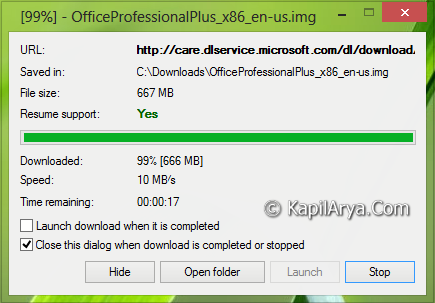
1. Download the Office 2013 archive (.img file from above links). Extract it using 7-zip:
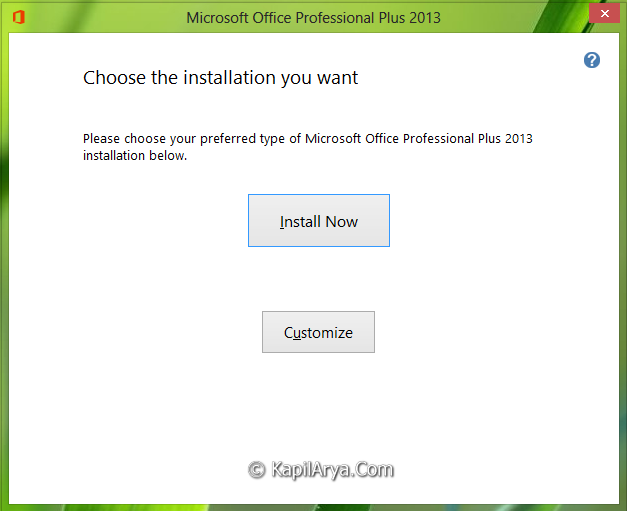
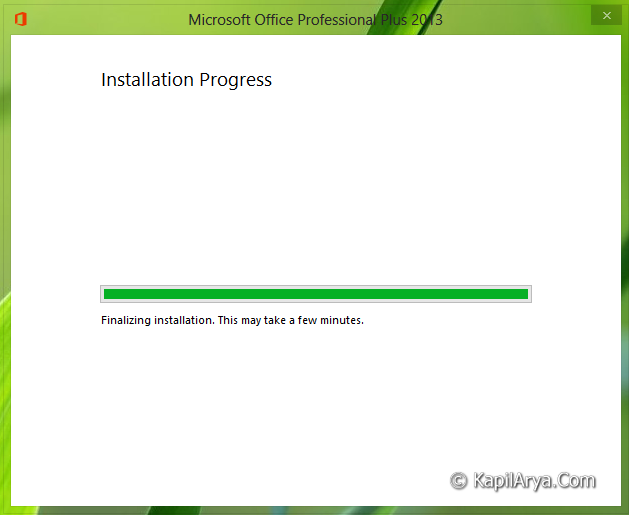
2. After extraction, you’ll find the setup.exe file along with other files and folders required for installation. Double click on setup.exe file to start installation:

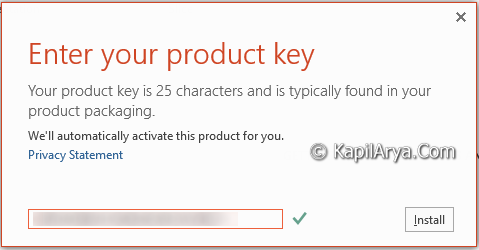
3. Finally, if you have purchased the product key, you can use it to activate your Office 2013 copy:
Hope you’ll enjoy Office 2013!




thank u for this info.. can i use outlook id to register it?
^^ Microsoft domains permitted :)
Thanksssss
MS has a nice stratagey to run the trial and pro version.. this is awesome pick for My W8 :D