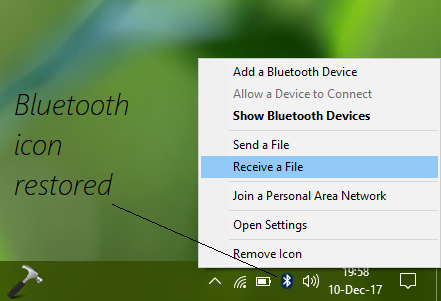
The Bluetooth system icon in the Windows 10 taskbar is there, so that you can use Bluetooth features quickly. Using this icon, you can open Bluetooth preferences, add new devices, send/receive files using Bluetooth technology, join Bluetooth based Personal Area Network.
But some users may find that the Bluetooth icon is missing from the taskbar/system tray. This may occur due to various reasons such as after upgrading to newer Windows edition or version, installing some Windows Updates etc. You may also face this while you right click on Bluetooth icon present and accidentally select Remove icon.
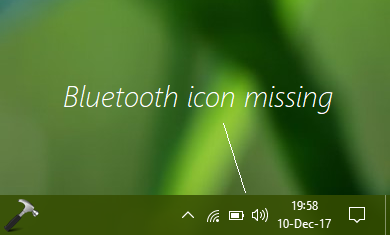
Whatever is the cause, the main question is how do you restore the missing Bluetooth icon? Well, here are few fixes you can try and see if they helps you to recover lost Bluetooth icon in Windows 10 taskbar.
Page Contents
FIX: Bluetooth Icon Missing From Windows 10 Taskbar
FIX 1 – Via Bluetooth Settings
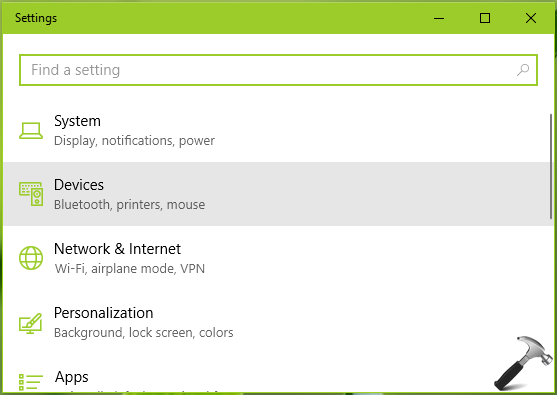
1. Open Settings app and select Devices.
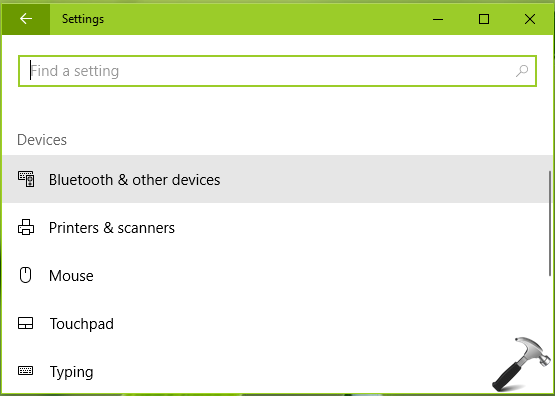
2. Then select Bluetooth & other devices option.
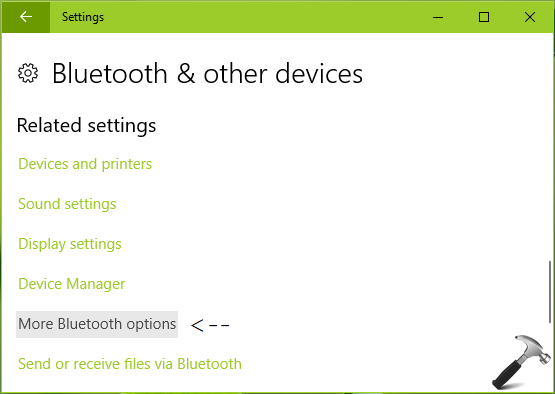
3. In next window, under Related settings section, click on More Bluetooth options link.
4. Moving on, in Bluetooth Settings window, check mark or enable Show the Bluetooth icon in the notification area option. Click Apply followed by OK.
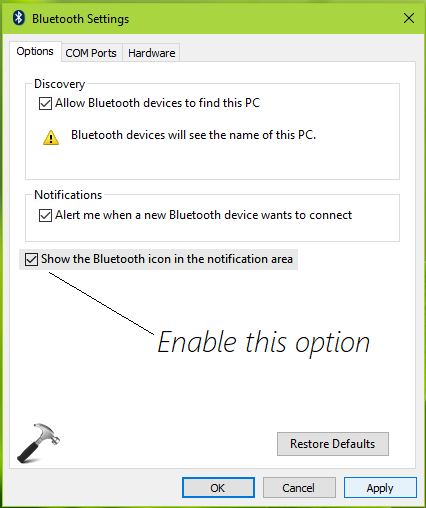
Check if the Bluetooth icon is restored now in the system tray/taskbar notification area.
FIX 2 – Via Registry
If FIX 1 doesn’t helps, then there might be problem with system icons on Windows 10 taskbar. Due to this problem, not only Bluetooth icon but other system icons may be affected as well. The main cause here may be the incorrect registry configuration.
You can try the steps mentioned in following fix to restore missing system icons in your Windows 10:
Steps to restore missing system icons in Windows 10
After trying above mentioned fixes, we hope you should be able to restore Bluetooth icon, finally.
Let us know if this helps you!