You’re working normally. The VPN is connected. You finish an email. You click Send. But it never leaves the Outbox. You try again. Still can’t send emails on VPN. The moment you disconnect the VPN, the email is sent without a problem. Does that sound familiar? This is a common issue in Windows 11. A VPN can sometimes block or interfere with email connections. There are a few quick fixes that can get your emails sent again.
Page Contents
Why Can’t You Send Emails On A VPN?
If you can’t send emails when your VPN is on, these can be the reasons:
- VPN blocks email ports.
- SMTP traffic is restricted.
- Email server blocks the VPN IP.
- Mail settings are incorrect.
- VPN security features interfere.
- VPN server connection issues occur.
Fix: Can’t Send Emails On VPN In Windows 11
Below are the solutions:
Fix 1: Change Email Ports
VPN services often block old SMTP ports.
1. Open your email account settings.
2. Check the outgoing mail (SMTP) settings.
3. Replace Port 25 with Port 587 or 465.
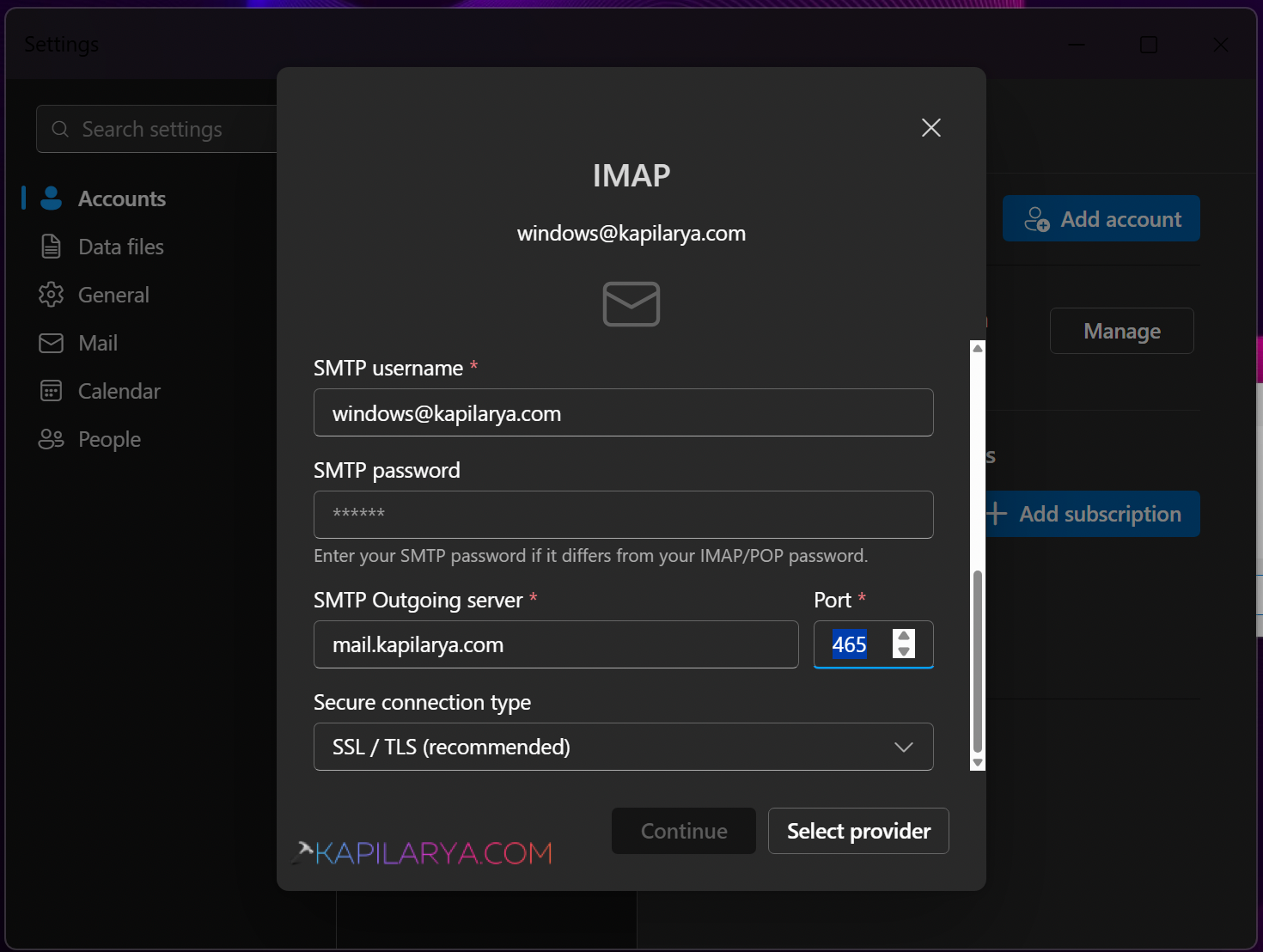
4. Save the changes.
5. Restart the email app.
Fix 2: Disable VPN Security Features
Some VPN protection features can interfere with email traffic.
1. Open your VPN application.
2. Find features like CyberSec or Threat Protection.
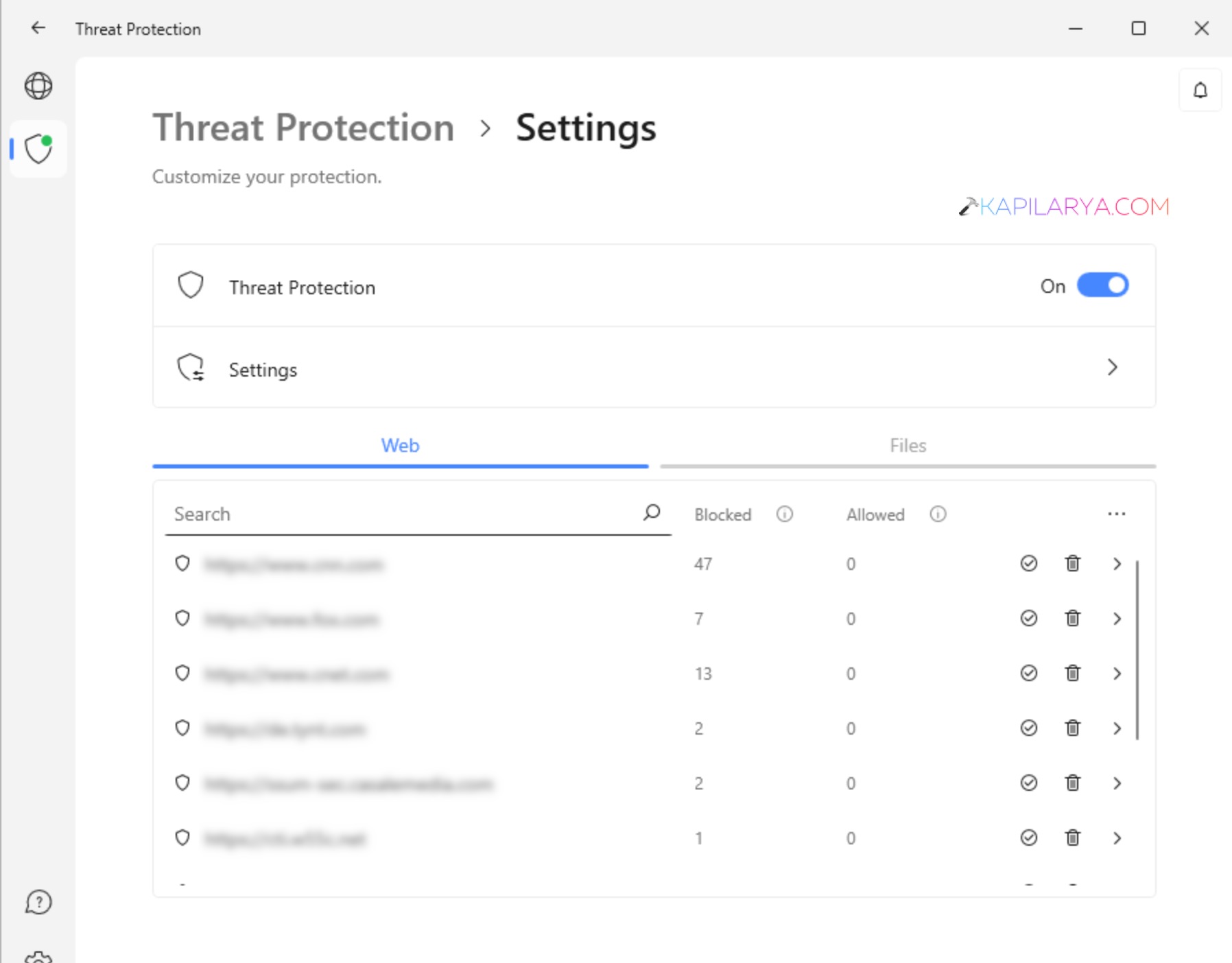
3. Turn them off temporarily.
4. Try sending the email again.
Fix 3: Switch to a Different VPN Server
Your email provider may block the current VPN server.
1. Disconnect from the current server.
2. Choose another VPN location.
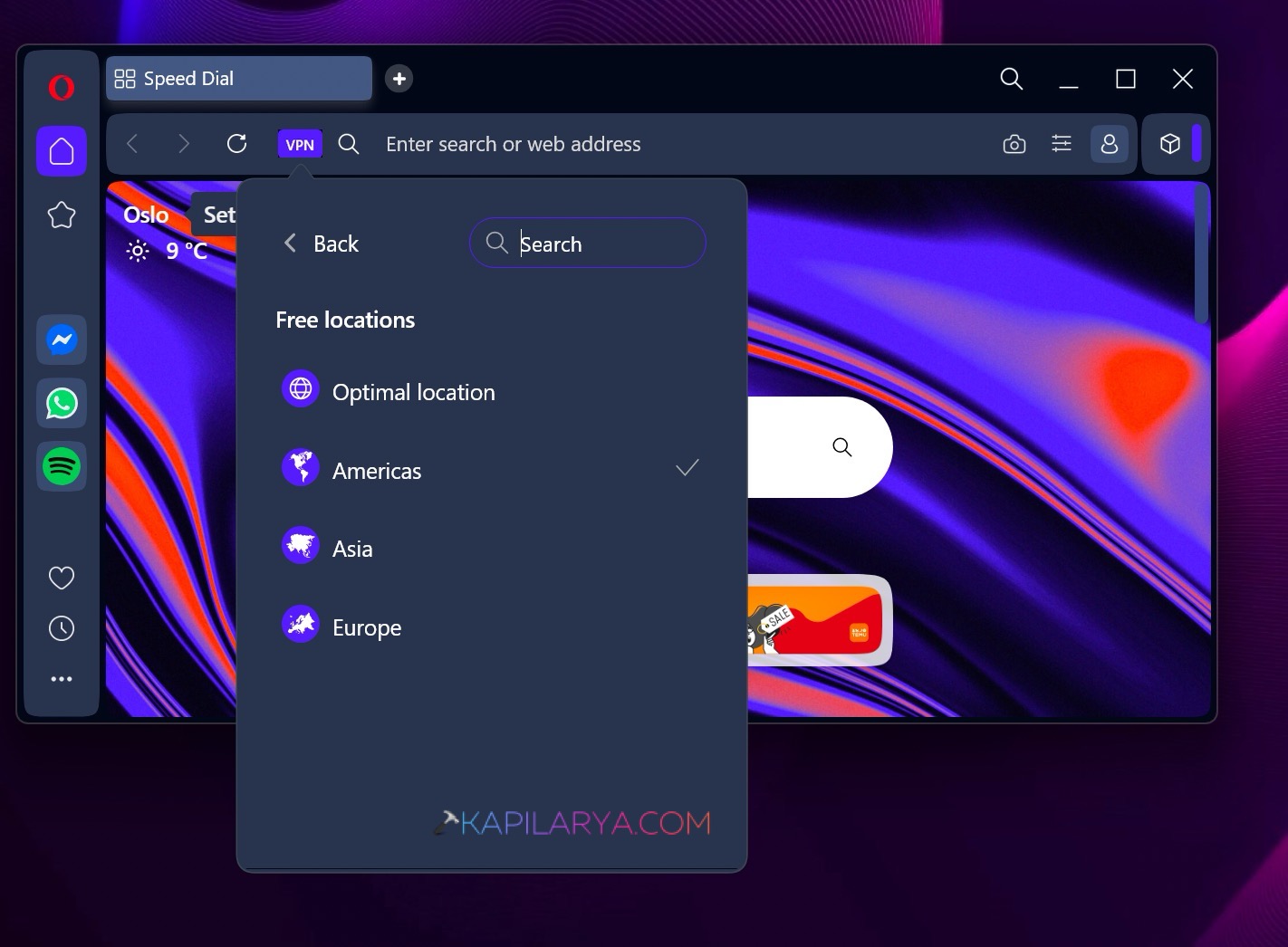
3. Reconnect.
4. Test email sending.
Fix 4: Use Webmail Instead If You Can’t Send Emails On VPN
This is a quick workaround if your email app is not working.
1. Open a web browser.
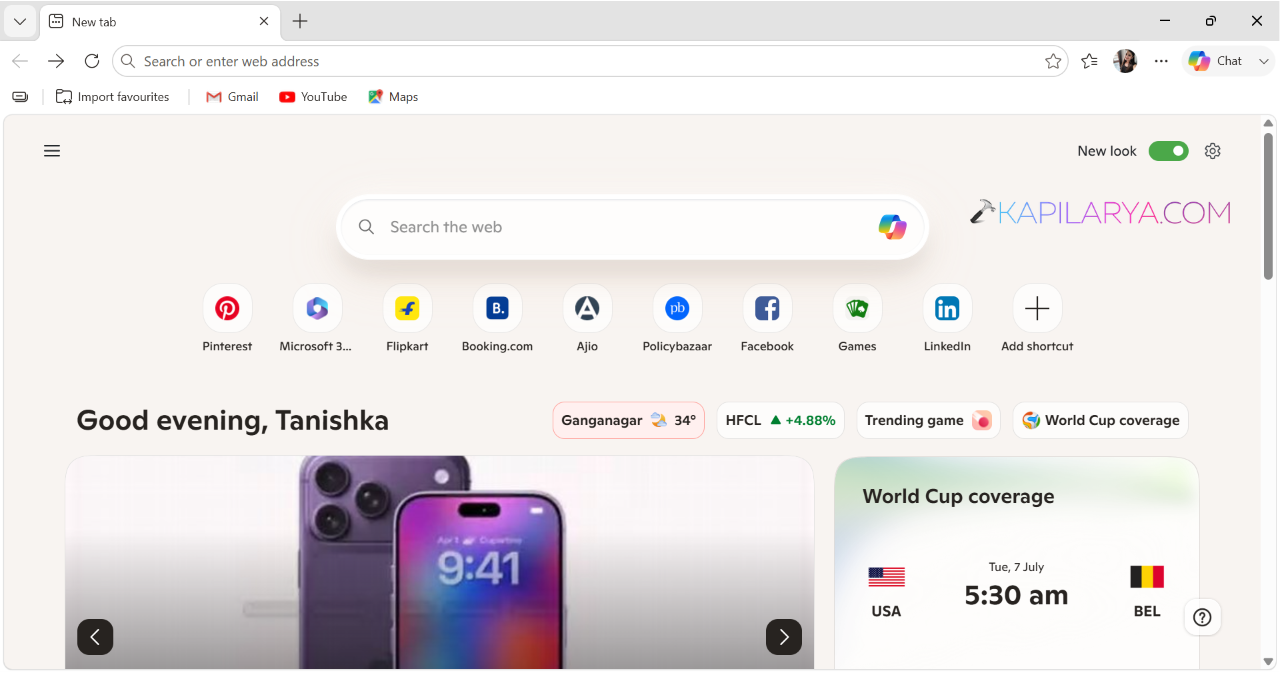
2. Visit your email provider’s website.
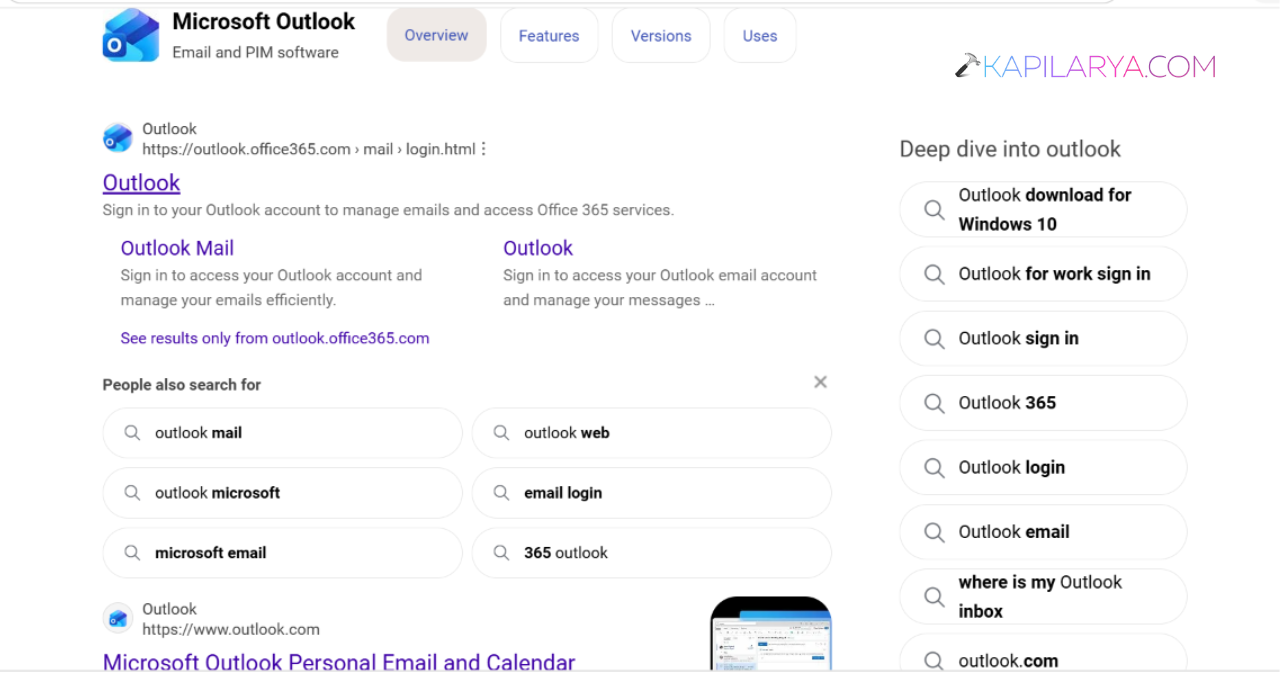
3. Sign in.
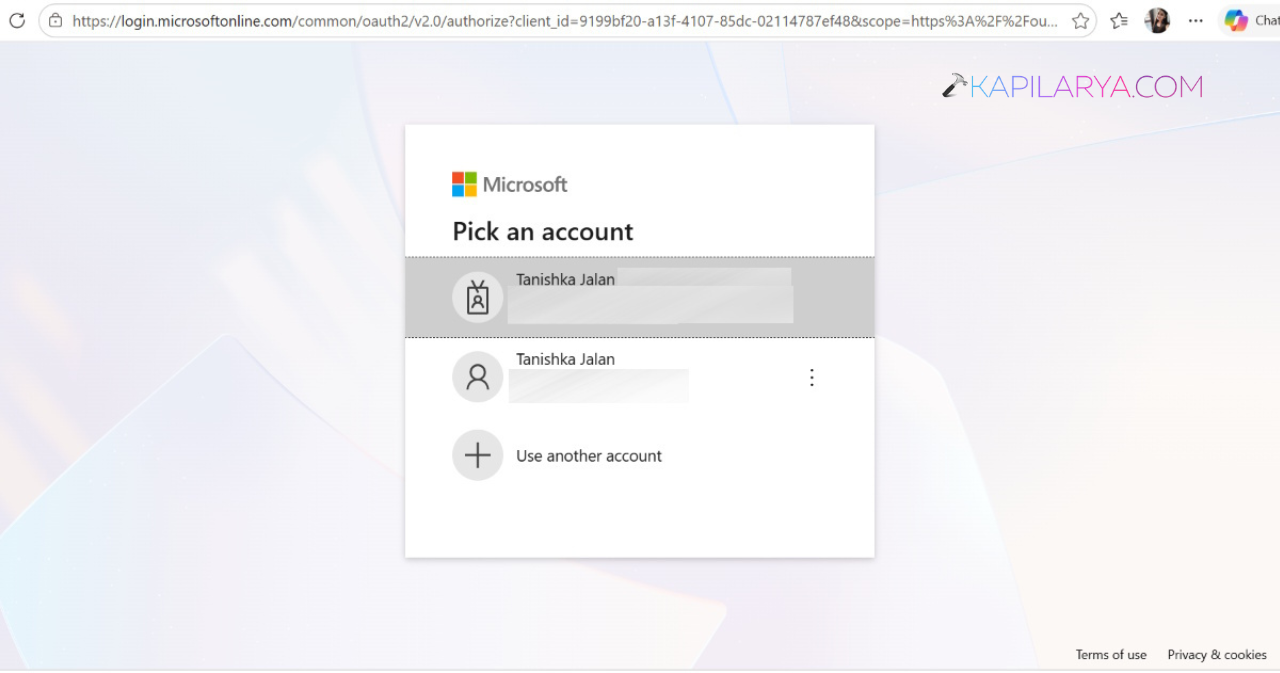
4. Send the email from there.
Fix 5: Exclude the Email App From the VPN
Many VPNs support Split Tunneling.
1. Open VPN settings.
2. Find Split Tunnelling.
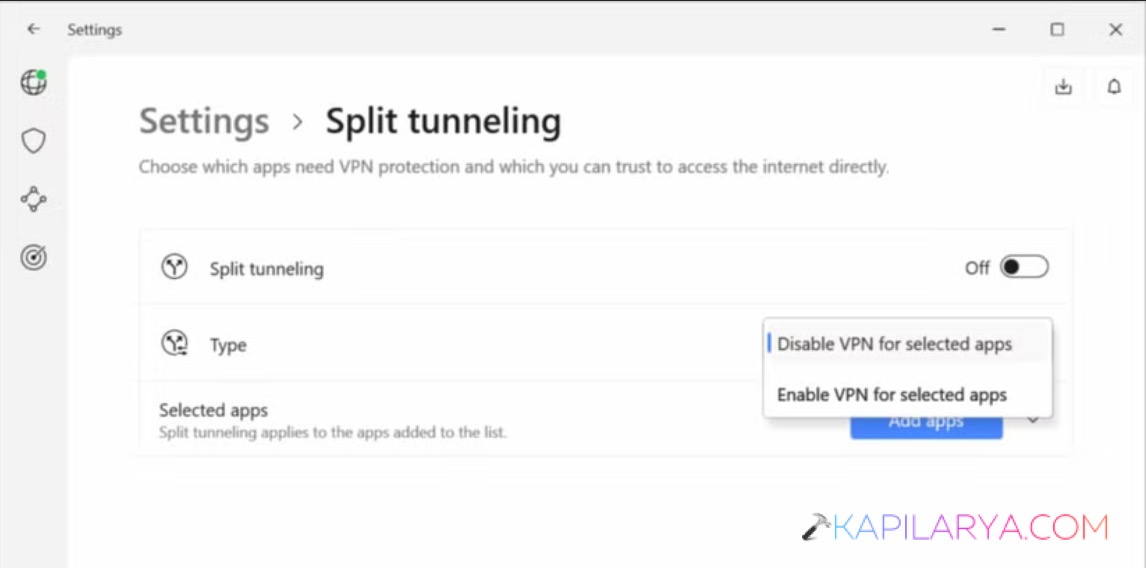
3. Add your email application.
4. Save the settings.
5. Restart the email app.
Fix 6: Restart the Email Client
A simple restart can fix temporary connection issues.
1. Close the email application.
2. Wait a few seconds.
3. Open it again.
4. Try sending the email.
Fix 7: Allow Local Network Access
Some VPN settings block local network communication.
1. Open VPN settings.
2. Enable Local Network Access.
3. Save the changes.
4. Test the email service.
Fix 8: Temporarily Disconnect the VPN
This helps identify whether the VPN is the cause.
1. Disconnect the VPN.
2. Send the email.
3. Reconnect after sending.
Fix 9: Try Another Email Client
Older email apps may not work well with modern VPN settings.
1. Update your current email app.
2. If needed, install another email client.
3. Configure your account.
4. Test email sending.
Fix 10: Whitelist Your Email Traffic
Some VPN providers can manually allow email traffic.
1. Contact VPN support.
2. Request email whitelisting.
3. Follow their instructions.
Fix 11: Use A Different VPN Service If You Can’t Send Emails
Some VPNs handle email traffic better than others.
1. Disconnect your current VPN.
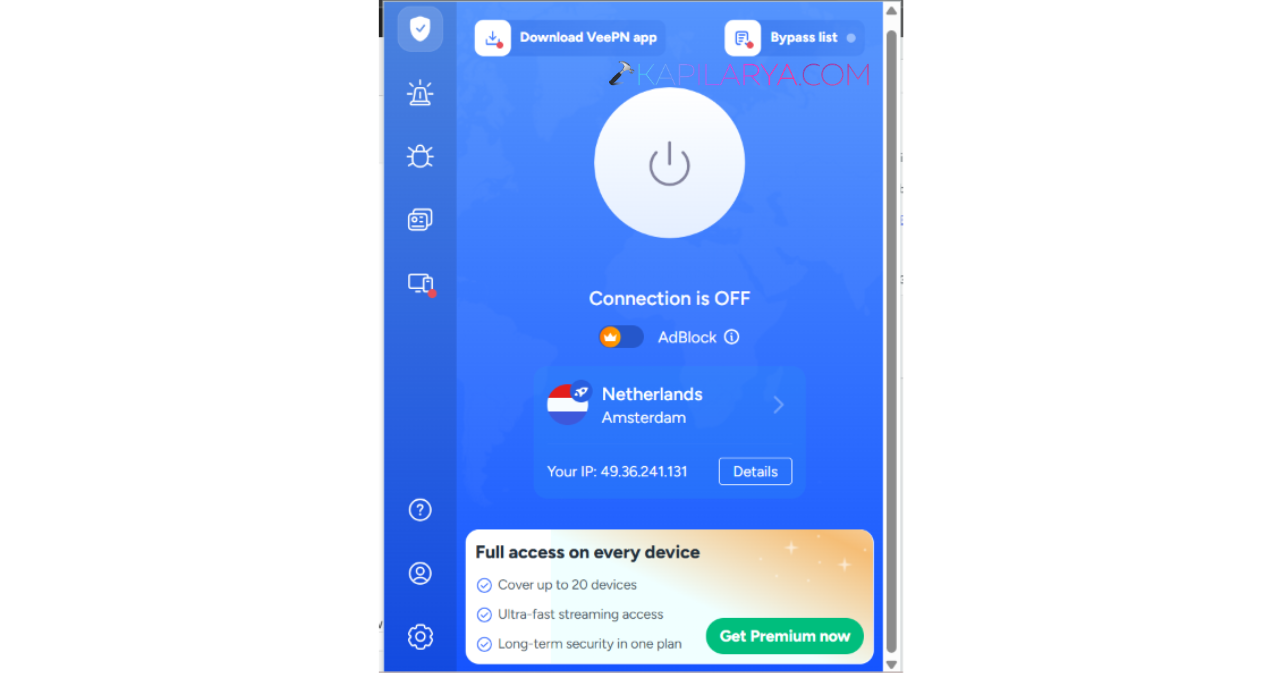
2. Install another VPN service.
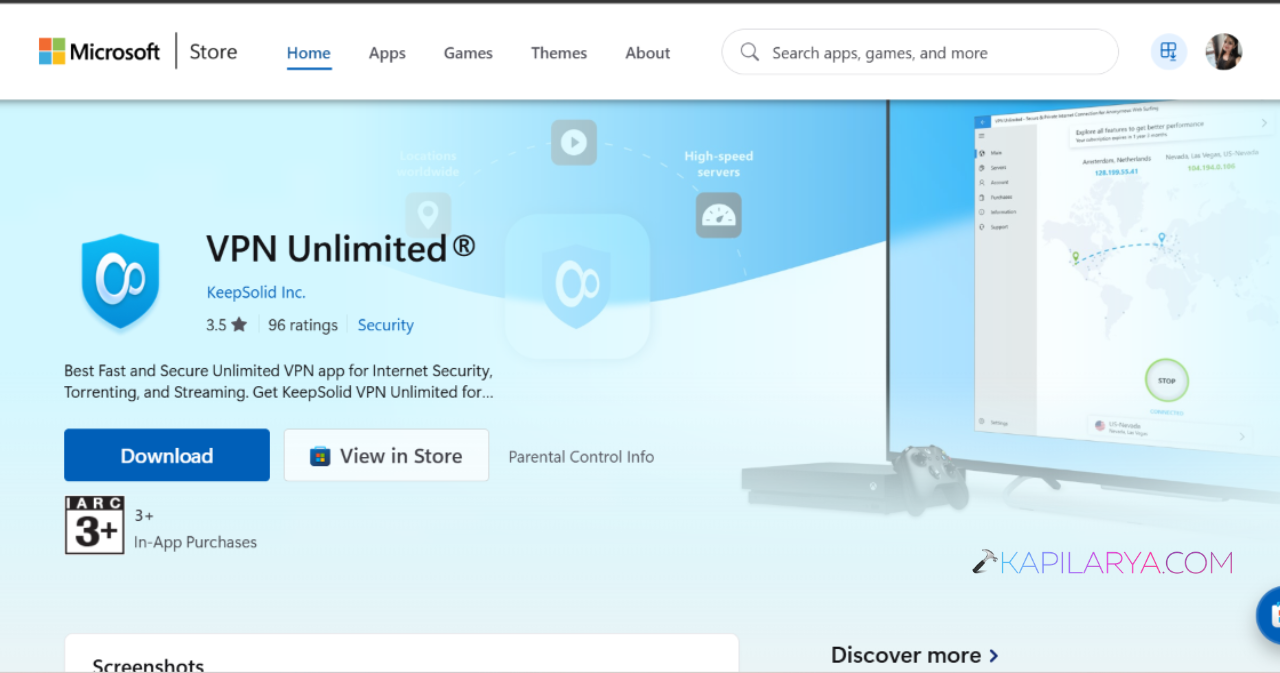
3. Connect and test email sending.
Fix 12: Contact Your VPN Provider
If nothing else works, ask the provider for help.
1. Open the VPN support page.
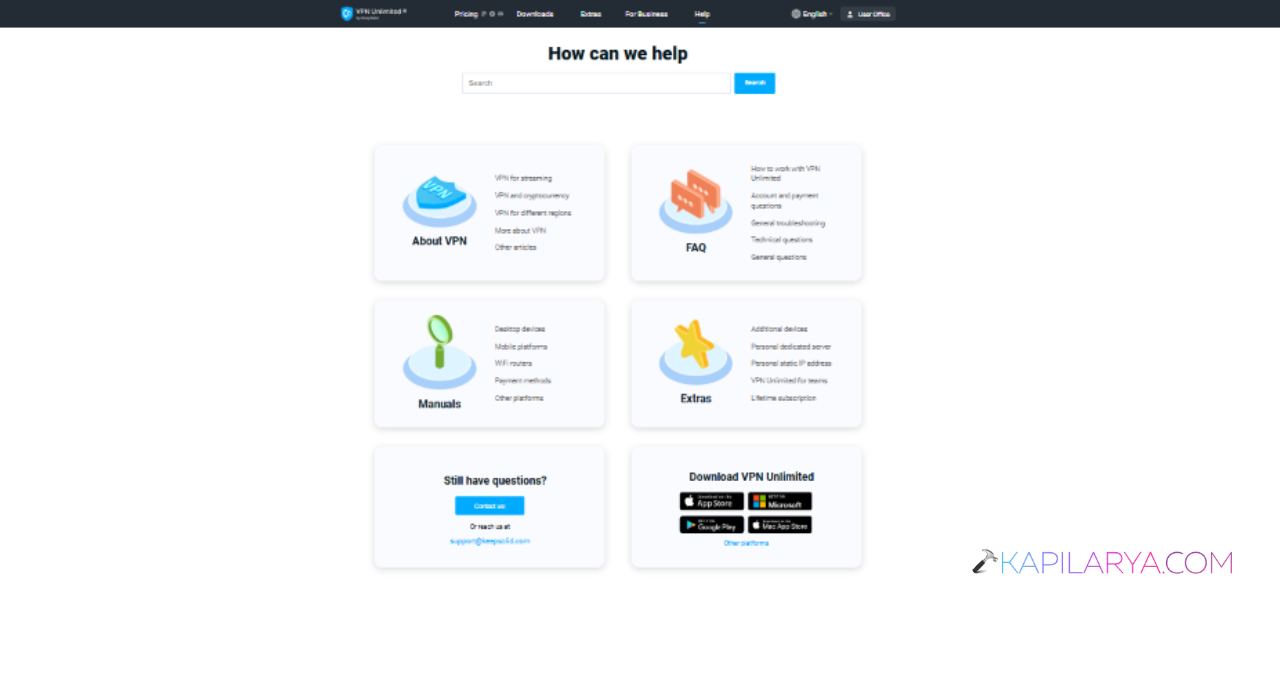
2. Explain the issue.
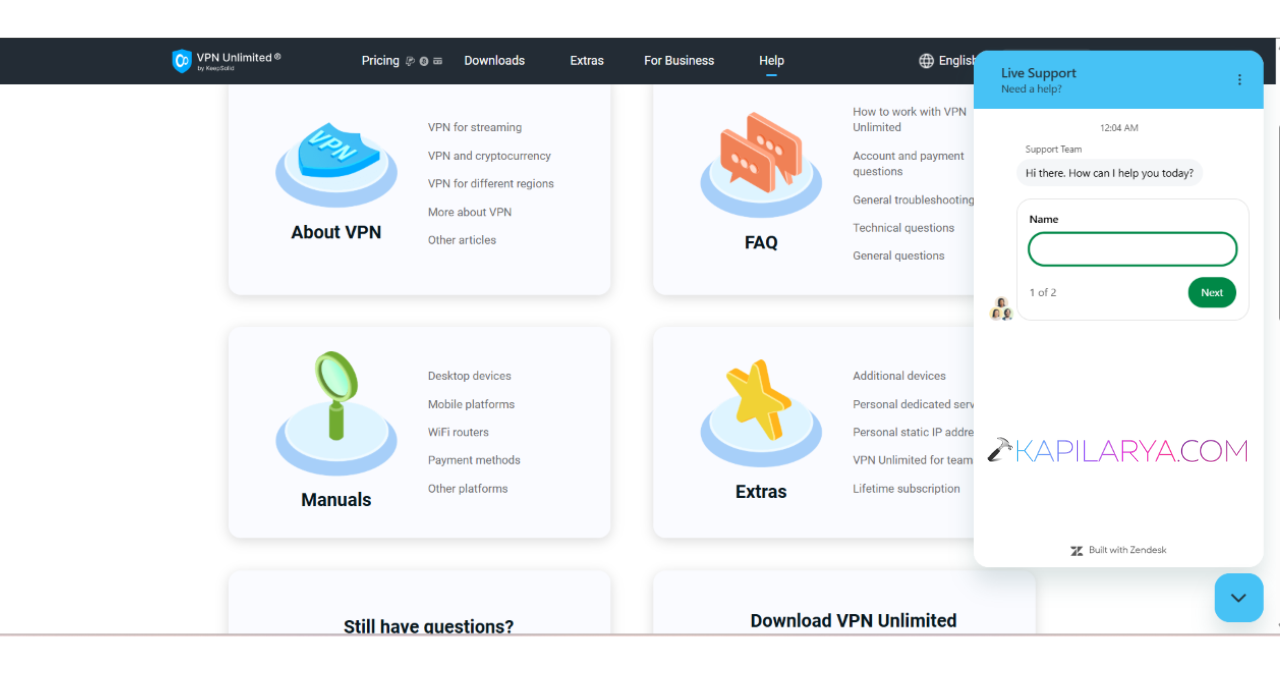
3. Follow the recommended troubleshooting steps.
Hopefully, the above methods will work.
![Fix VPN error 812 on Windows 11/10 [6 practical fixes]](https://www.kapilarya.com/assets/VPN-6-768x684.jpg)