

If you capture images with a Panasonic Lumix or other compatible camera, you may come across the RW2 file format. These RAW image files preserve all the details of the original shot, uncompressed and unprocessed, which makes them ideal for serious editing. The challenge is that RW2 is not always supported by default in Windows 11 and Windows 10, so you’ll need a viewer or toolkit that can help you open RW2 files.
Page Contents
Guide to open RW2 files in Windows 11/10 [6 Options]
Below are six reliable tools to view, edit, and convert RW2 files. These range from official Microsoft extensions to lightweight third-party viewers.
Option 1: Microsoft Raw Image Extension
The most seamless way to view RW2 files is to add official support to Windows. By installing the free Raw Image Extension from the Microsoft Store, you can view RW2 files directly in the default Photos app and see thumbnails in File Explorer without installing separate software.
Available at https://apps.microsoft.com/detail/9nctdw2w1bh8.

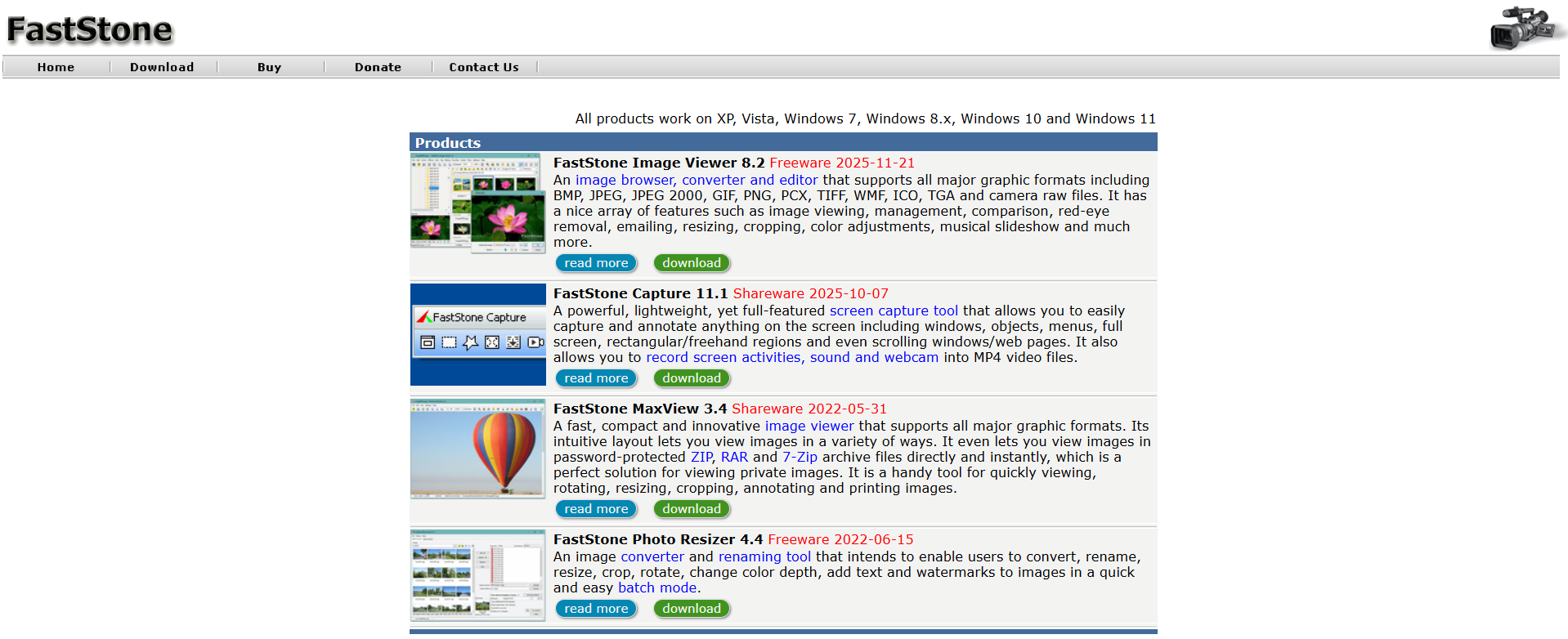
Option 2: FastStone Image Viewer
FastStone is a favourite among photographers for its speed. It handles RW2 files natively and offers a robust full-screen mode, side-by-side comparison, and batch conversion tools. It is free and highly reliable.
Download FastStone Image Viewer at https://www.faststone.org.
Option 3: IrfanView (with Plugin Pack)
IrfanView is legendary for being lightweight and fast. To view RW2 files, you must install the main app and the accompanying Plugin Pack. Once installed, it is one of the fastest ways to batch-rename or convert RAW files to JPG.
You can download it at https://www.irfanview.com.

Option 4: Use XnView Classic/MP to open RW2 files
XnView is a powerful cross-platform viewer that supports over 500 formats, including Panasonic RW2. It is ideal for organizing large libraries of photos and includes efficient tagging and rating systems.
Download it at https://www.xnview.com/en/xnview-mp.

Option 5: RawTherapee
If you need to do more than just “view” the file and want to edit the RAW data, RawTherapee is a professional-grade, open-source editor. It is free and provides advanced processing similar to Lightroom.
Available at https://rawtherapee.com.

Option 6: Use Chasys Draw IES Viewer to open RW2 files
Chasys Draw IES is a suite of image processing applications, including a fast viewer. It utilizes a layer-based approach and supports a wide variety of RAW formats, including RW2.
Get it from Microsoft Store at https://apps.microsoft.com/detail/9pd73x65fxmg.

Quick tips
- Install a large memory card driver or the camera vendor codec if thumbnails do not appear.
- If thumbnails stay blank, try one of the viewers above rather than the default Photos app.
- Always ensure your viewer supports the exact camera model’s RW2 variant.

![Fix: Camera doesn’t work in Windows 11 [2026 Fix]](https://www.kapilarya.com/assets/camera_privacy_1692031411.jpg)
