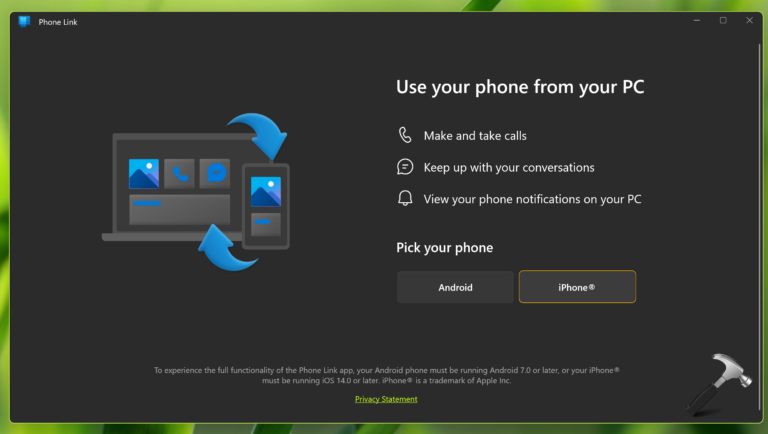
If you have an iPhone and then you also have a Windows 11 device, this article is for you. Well, the Phone Link app that comes pre installed in Windows 11 on the supported Android till now. But recently Microsoft has announced that the Phone Link app now supports iPhone as well. So in this post, we will see how you can set up iPhone with Phone Link app on Windows 11.
According to Microsoft, “With the ability to now make this PC/iOS Phone connection, we hope our Windows 11 customers will never have to worry about missing an important phone call or text while focusing on their Windows PC. Once enabled by the Windows 11 customer, Phone Link for iOS will offer basic iOS support for calls, messages and access to contacts”.
Requirements:
- You must have iOS 14.0 or later on iPhone.
- iPhone should have Bluetooth working.
- Bluetooth must be working on your Windows 11. See this fix, if it is not working.
Here are the steps you need to follow to setup:
Setup iPhone with Phone Link app on Windows 11
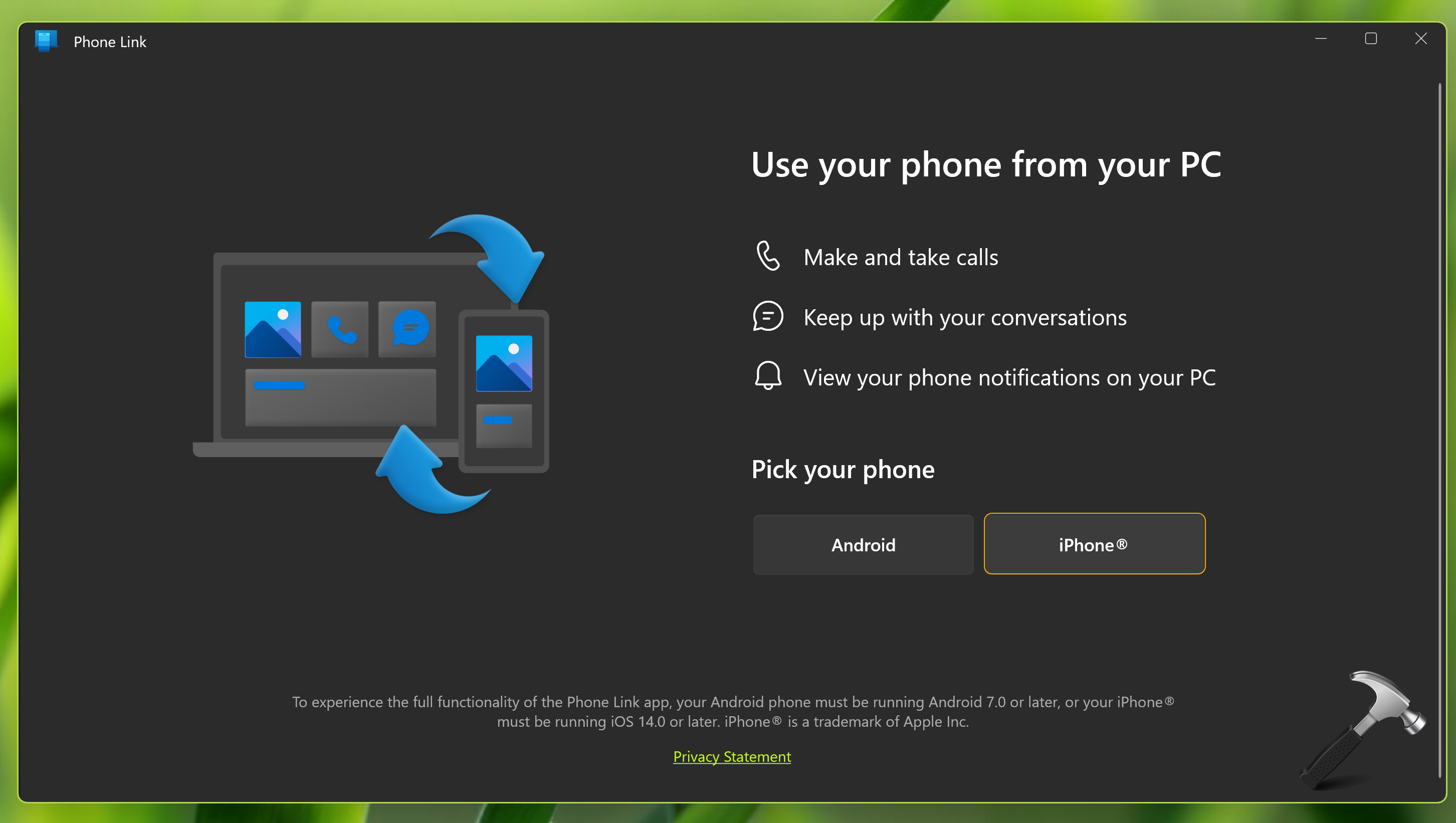
1. Open Phone Link app on your Windows 11. Select iPhone. In case, if the iPhone option is grayed out, you need to update your Phone Link app to the latest version.
2. On Pair devices tab, you have to scan the QR code shown there. Or you can also click Continue manually without a QR code. Basically, you have to download the LinkToWindows app on your iPhone app at this stage.
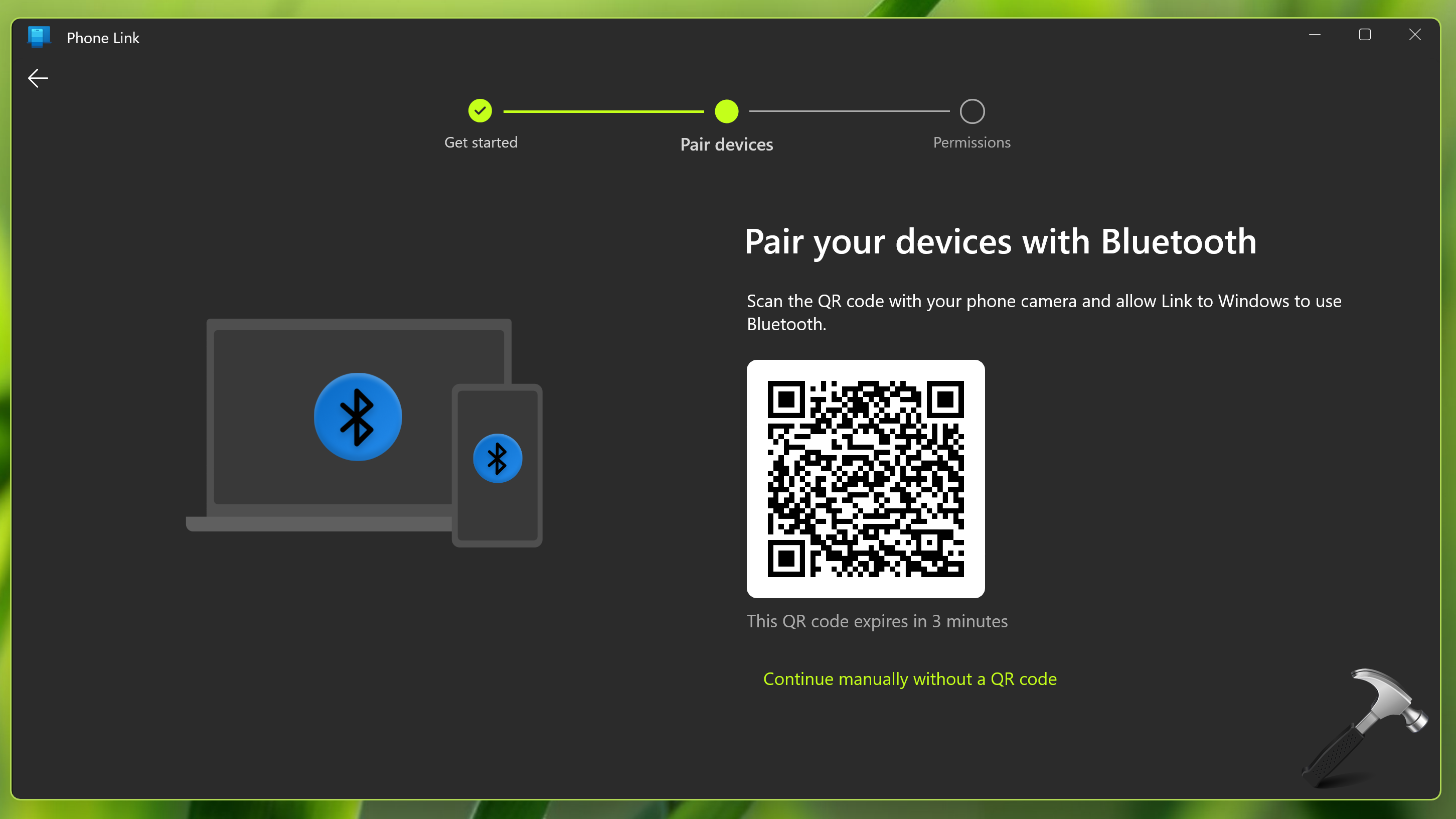
3. Turn on Bluetooth on iPhone and Windows 11. Scan the QR code shown in Pair devices tab with LinkToWindows app on your iPhone app.
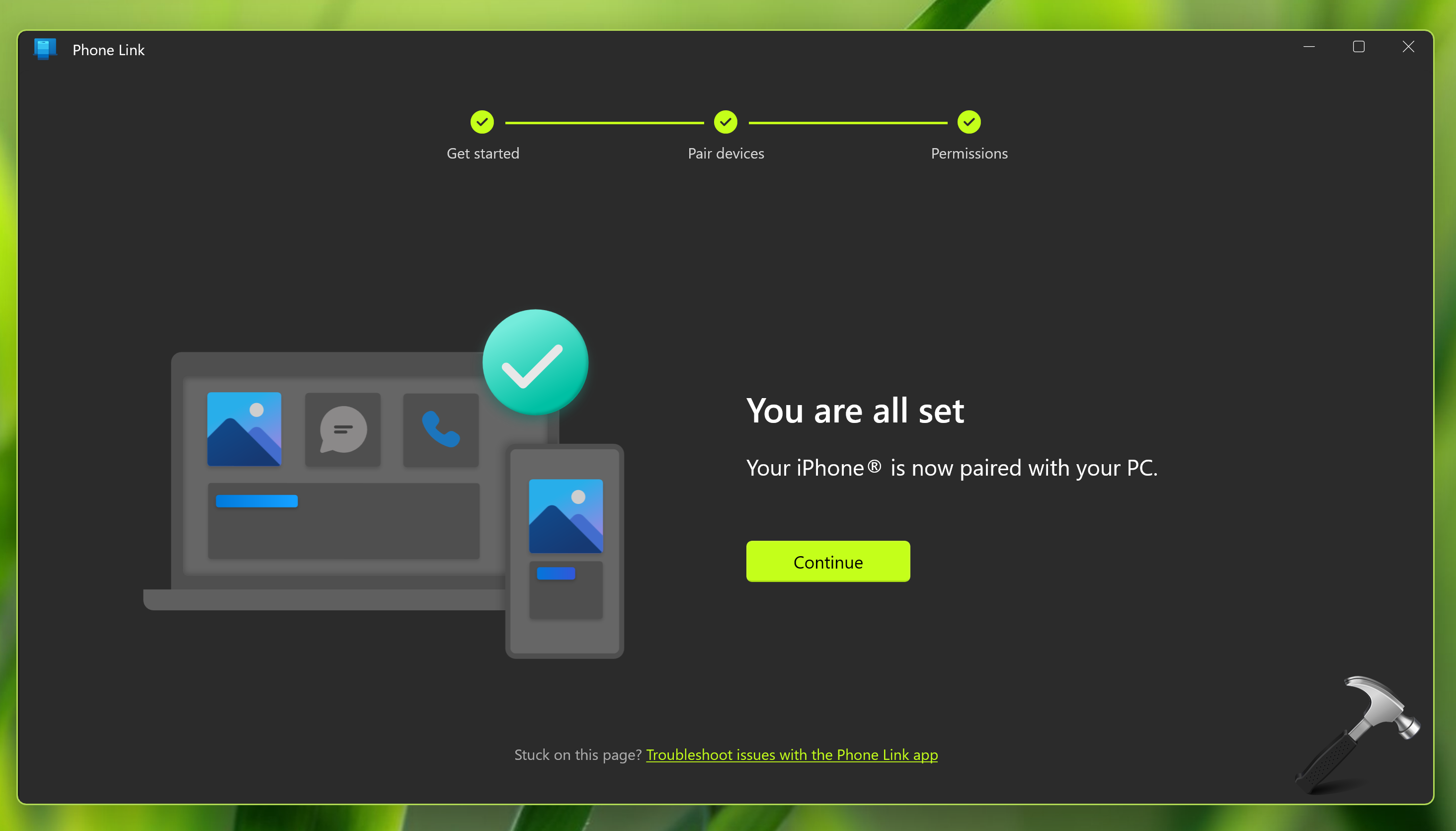
4. In few moments, both devices should be paired. You’ll see You are almost there! screen. Follow step 1 and 2 on this screen and then click Continue.

5. Finally, your iPhone is now setup with Phone Link app.
For live demonstration, checkout this video guide:
That’s it!