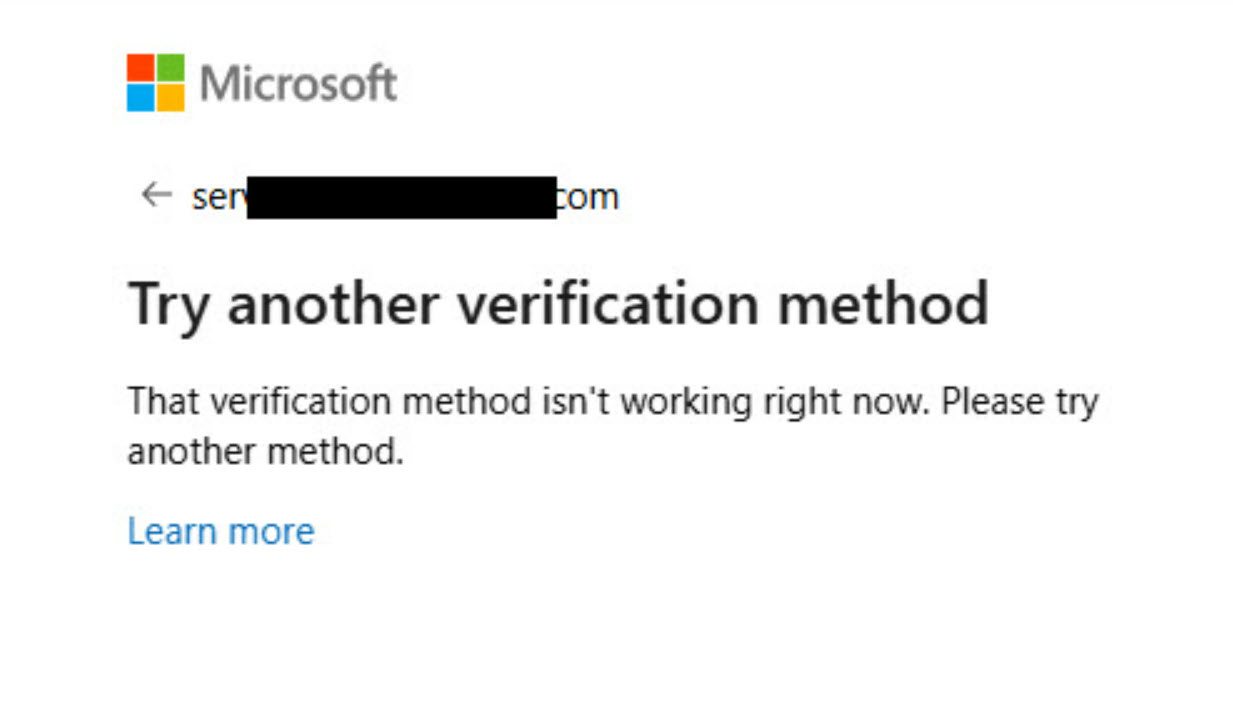
If you see the message “That verification method isn’t working right now” while signing in to your Microsoft account, it means your preferred verification option has been temporarily blocked, and it needs to be fixed. This can occur due to repeated attempts, unusual login activity, or a restricted phone or email. This error can be experienced on Windows 11 or any other operating system.
Page Contents
Fix: That verification method isn’t working right now
This message usually pops up when Microsoft temporarily restricts one of your verification options for security purposes. For instance, if someone tried to sign in from a new device or region, the system may pause all verification methods to prevent unauthorized access. It’s also common when using the same code repeatedly or when your security information hasn’t been updated in a while. Below are a few quick fixes that can help you regain access to your account.
1. Use another verification method
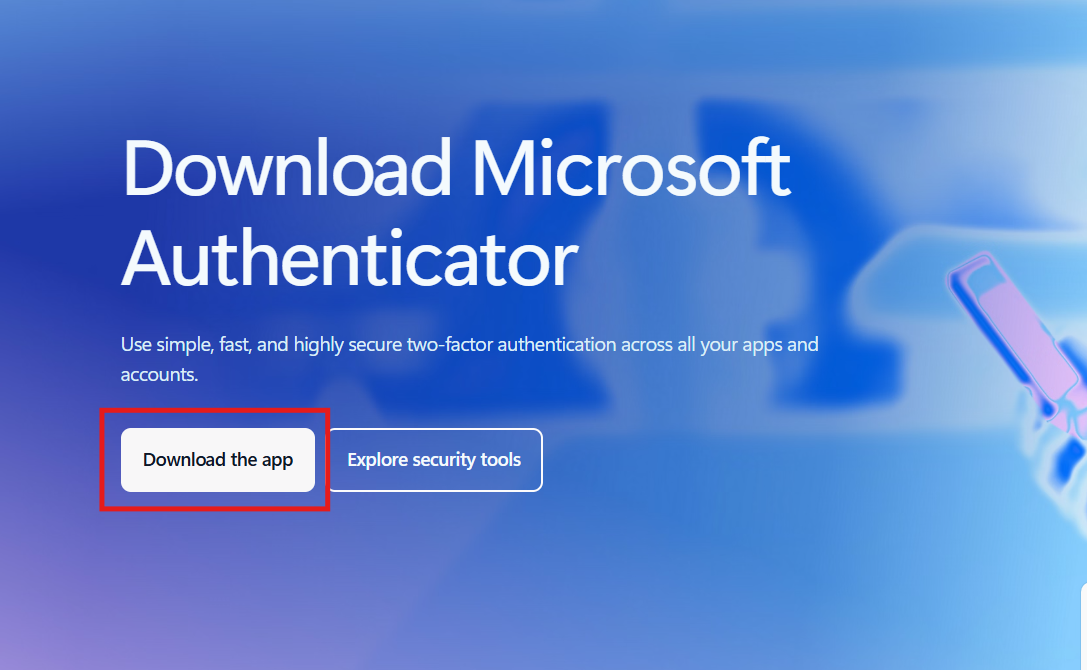
If the screen gives options like another phone number, backup email, or the Authenticator app, switch to one of those. Open the Microsoft Authenticator app to approve the sign-in or add it as a new verification method. This helps bypass issues with SMS or email codes.
2. Clear your browser’s cache and cookies
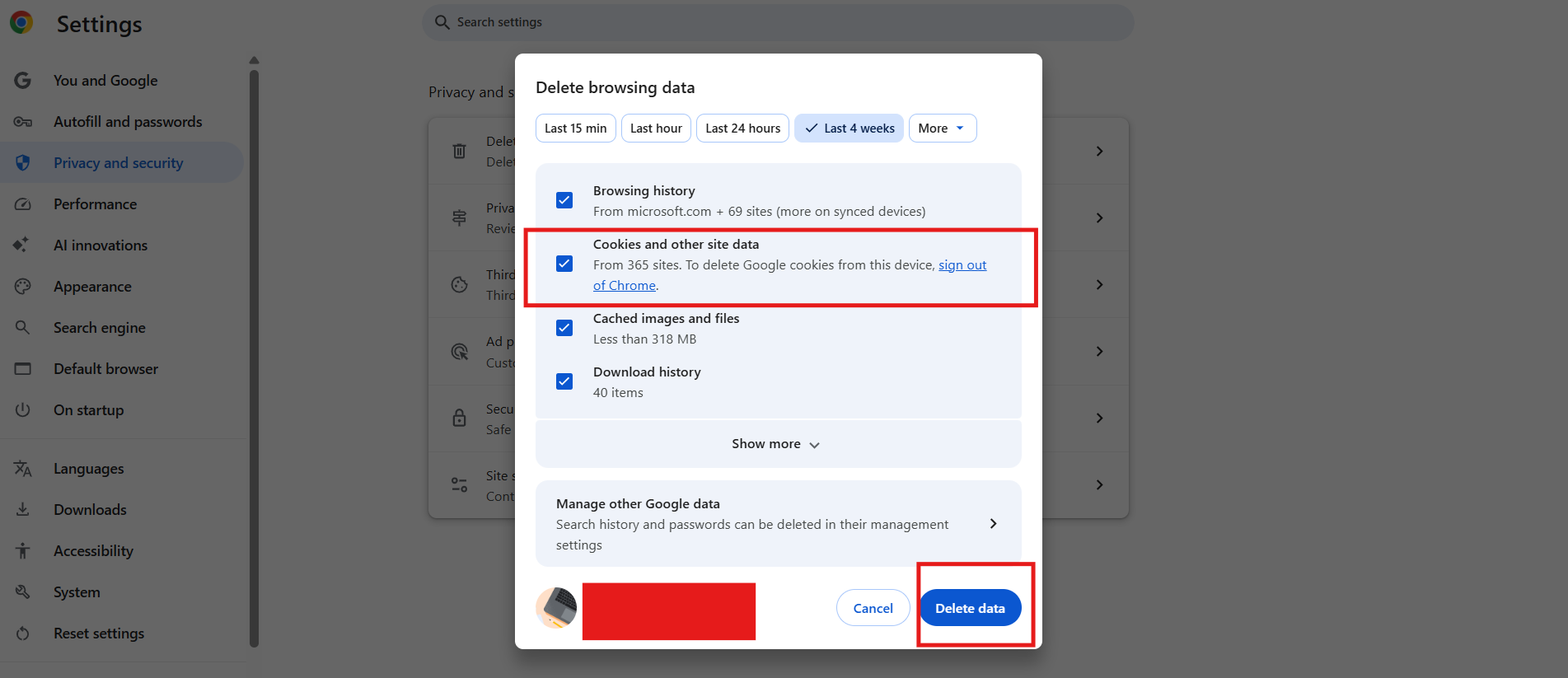
Outdated or conflicting cookies may interrupt verification. Go to your browser’s settings, clear the cache and site data, then restart in private or incognito mode before signing in again.
3. Try a different phone number
Avoid using VoIP or online-only numbers. Instead, use a regular mobile number with the correct country code. If your number was recently blocked, wait 24-48 hours before retrying.
4. Use Microsoft’s Sign-in Helper
Visit the official Microsoft Sign-in Helper page (https://support.microsoft.com/en-us/account-billing/get-help-with-your-microsoft-account-ace6f3b3-e2d3-aeb1-6b96-d2e9e7e52133) and enter your registered email or phone. It provides step-by-step recovery options and can unblock your verification methods.
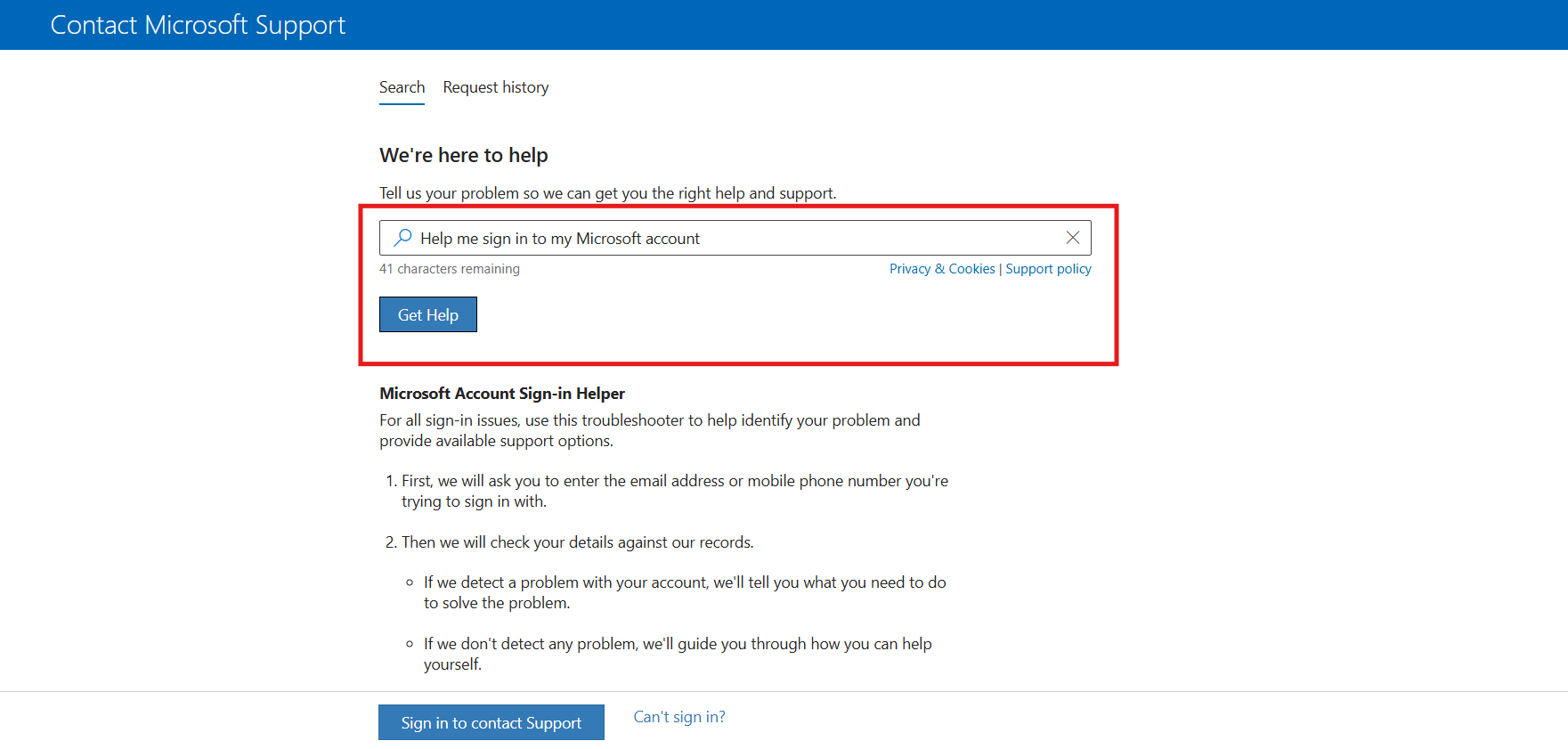
5. Contact Microsoft Global Support
If nothing works, reach out to Microsoft Support (https://support.microsoft.com/en-us/topic/customer-service-phone-numbers-c0389ade-5640-e588-8b0e-28de8afeb3f2) from their official help site. Share the error message and when it occurred, and they’ll assist with restoring account access.
After recovery, update your security info and add multiple verification methods to avoid future blocks. These few methods can quickly help you fix the “That verification method isn’t working right now” message in your Microsoft account.