Windows 11 Insider Preview builds helps you to test early new features of the operating system. There are four different channels in which you can get these Preview builds. Microsoft also offers quality updates to these Preview builds. Those updates may contain patches, new feature rollout or security update. If you can’t install Windows Preview update in Windows 11, this article will help you to get it fixed.
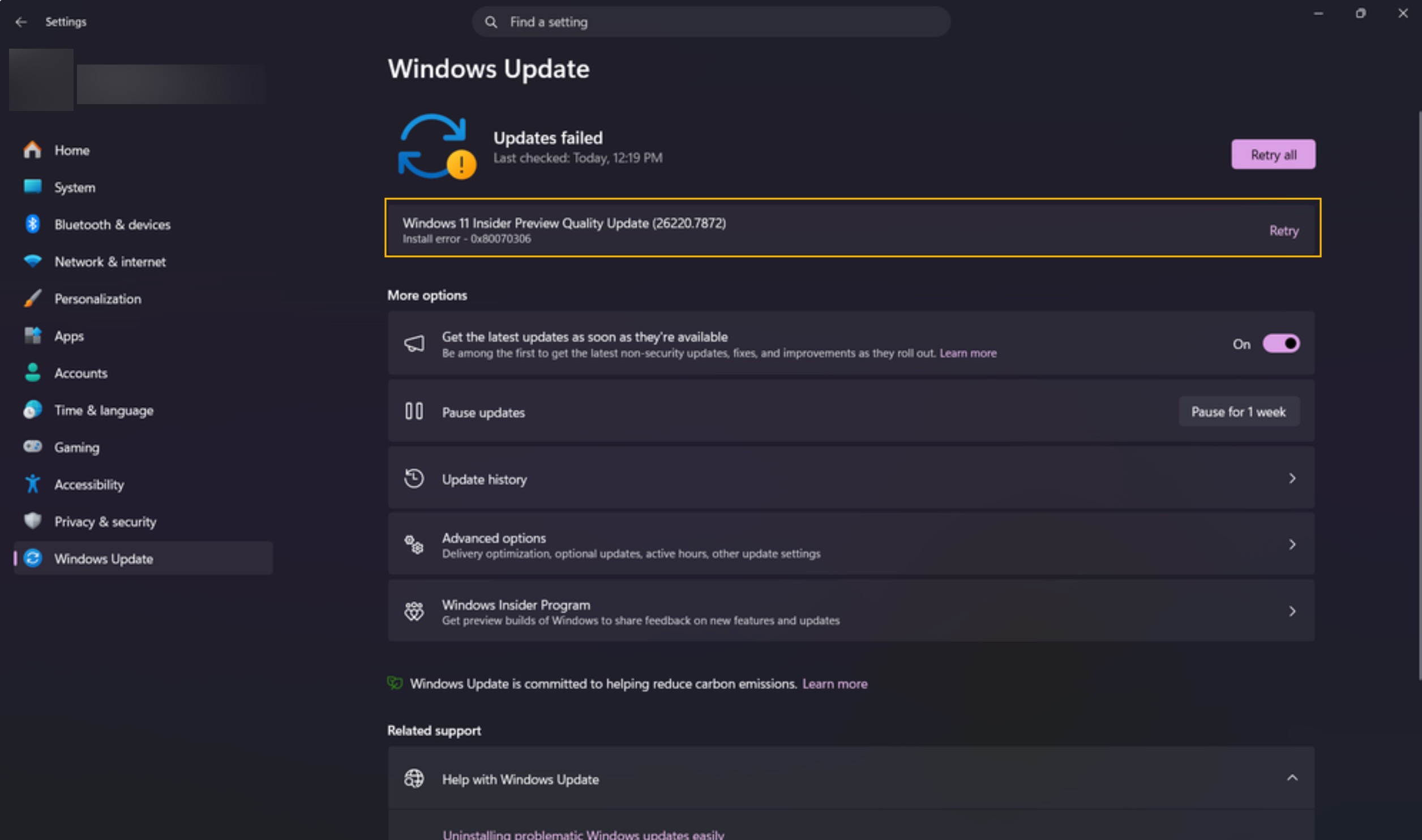
Recently, I came around this issue on one of my Windows Insider Preview build running system. In this case a quality update failed with error code 0x80070306.
Page Contents
Can’t install Windows Preview update in Windows 11
Fix 1: Check your Internet connection
You must have stable and regular connection to download updates. Interruptions from network may result in failed Preview build updates.
1. Open the Settings app.
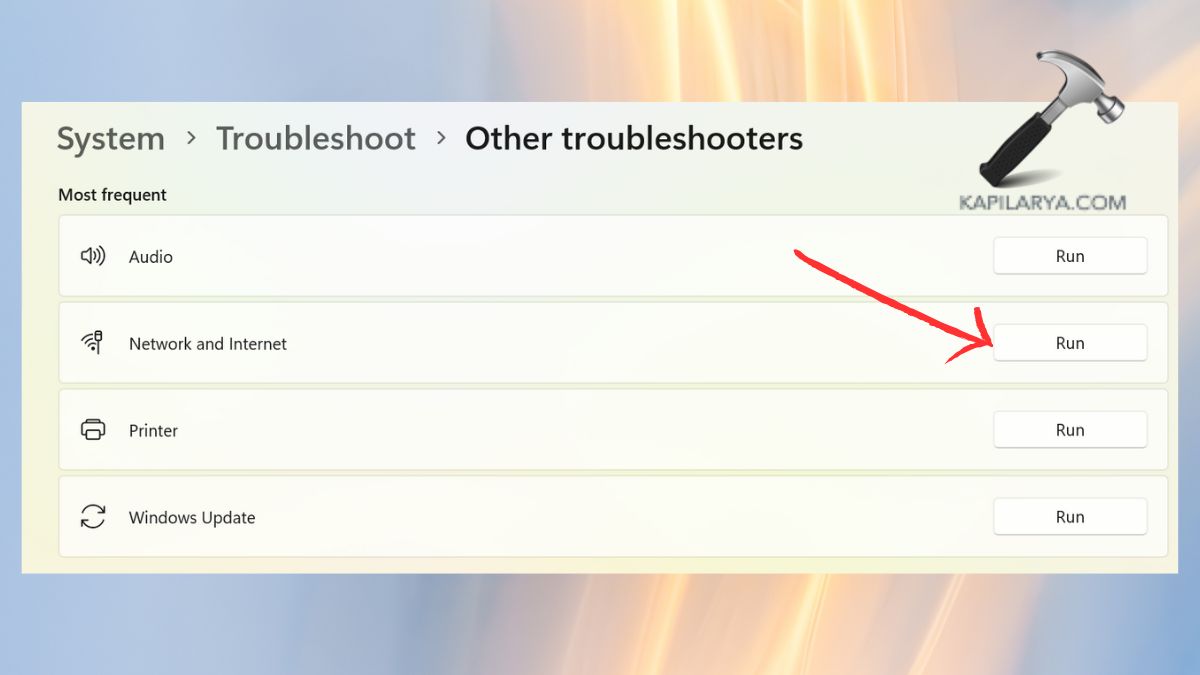
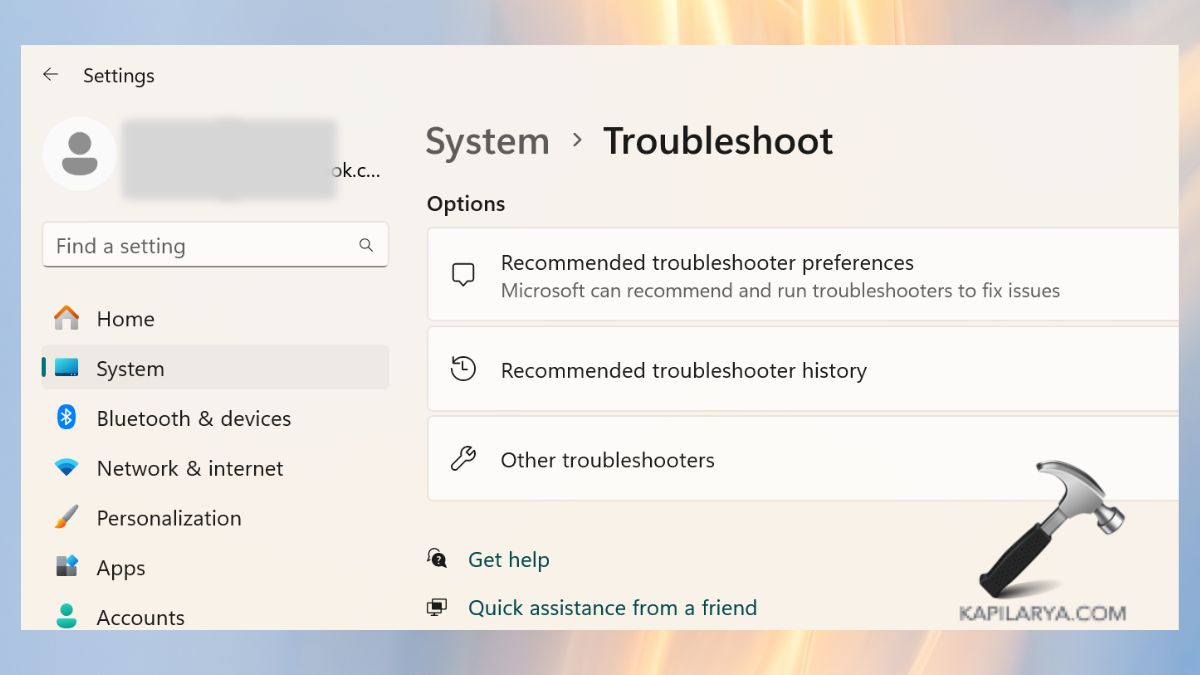
2. Go to System > Troubleshoot > Other troubleshooters.
3. Click on the Run button next Network and Internet troubleshooter.
The troubleshooter will automatically check for network issues and suggest you the best possible actions to resolve them.
Fix 2: Run Windows Update troubleshooter
Windows Update Troubleshooter is a built-in tool offered by Microsoft that detects and addresses the issues of updates.
1. Press the button Windows + I to open the Settings, then select System > Troubleshoot > Other troubleshooters.
2. Go to the list and find Windows Update; then, press Run near it.

Allow the troubleshooter to go through scanning and implementing suggested repairs.
3. After that is done, restart your PC and then try the update again.
Fix 3: Reset Windows Update database
Open administrative Command Prompt and type following commands one-by-one followed by Enter key.
net stop wuauserv
net stop cryptSvc
net stop bits
net stop msiserver
Ren C:\Windows\SoftwareDistribution SoftwareDistribution.old
Ren C:\Windows\System32\catroot2 Catroot2.old
net start wuauserv
net start cryptSvc
net start bits
net start msiserver
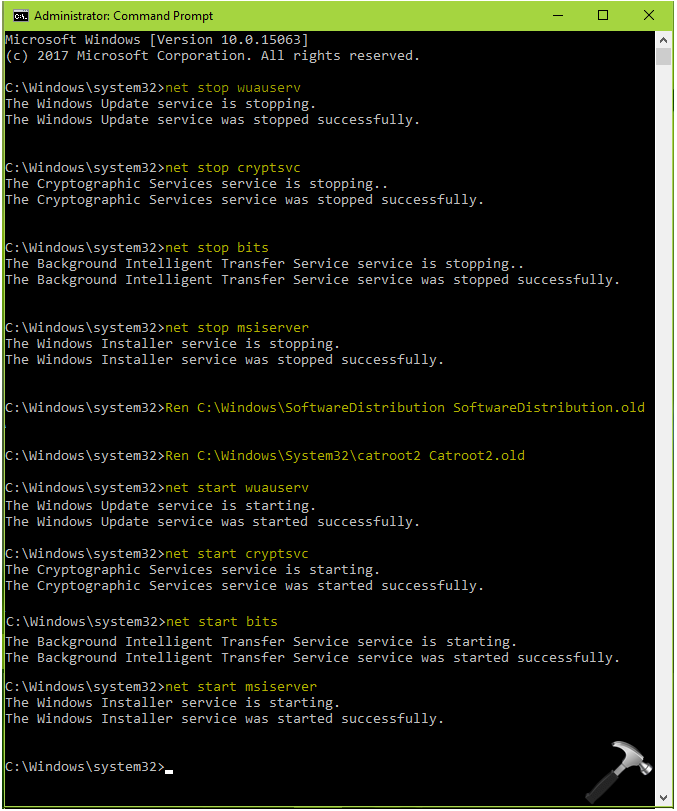
Close Command Prompt and see if it resolves the issue.
Hope this helps!