Sometimes, it happens with us that we’re not able to install Microsoft Office 2013. In case of this productivity suite, the install stuck many times due to interference of old Office edition configuration keys in the system even if the old edition is removed. Thus, whenever we have to uninstall Office on any system, we should uninstall it without leaving any of the traces on the system; so that re-installation can be done easily.
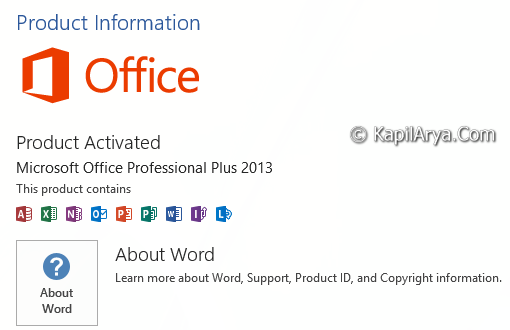
Download Microsoft Fix it To Uninstall Office 2013 Without Leaving Traces
However, the uninstall can be done easily using Uninstall or change a program window in Control Panel. But it doesn’t removes the registry keys and thus leaves traces. To meet out the woes of user in reinstalling Office 2013, the manufacturer team has launched out Fix it program to uninstall Office 365. Just like Windows App Troubleshooter and Microsoft Account Troubleshooter mentioned here, this Fix it is designed to erase out Office 15 editions from Windows 7, 8, 8.1.
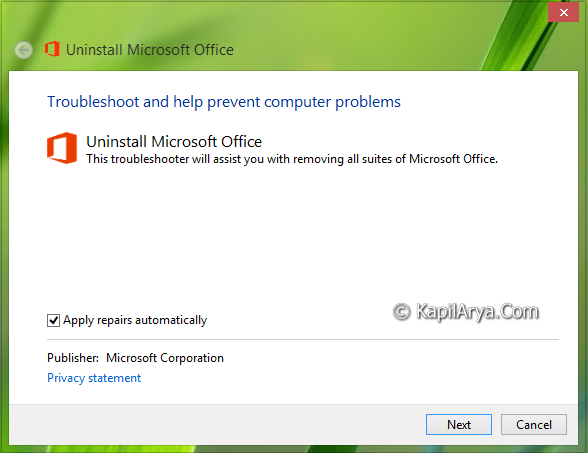
You can download it from following link:
DOWNLOAD LINK [2.79 MB]
The above link directly yields you the Fix it program in Diagnostics Troubleshooting Wizard format (.diagcab). So you can directly run it and follow the on-screen instruction to erase Office 2013 completely. How this troubleshooter works or the manual method to remove Office 2013 fully is mentioned here in this support article.
Hope you find the Fix it useful!
Did you know:
1. How To Prevent Internet Usage In Office 2013?
2. How To Show Or Hide Total Editing Time In Office 2013?