Windows 11 Version 26H2 has been released by Microsoft, a few days back. The new version brings many improvements in terms of security, management, accessibility, and productivity. These areas are now evolved much more stable as compared to the previous version such as Version 25H2 or 24H2. In this guide, you will learn about what’s new in Windows 11 Version 26H2 and how you can benefit from it.
Page Contents
What’s new in Windows 11 Version 26H2?
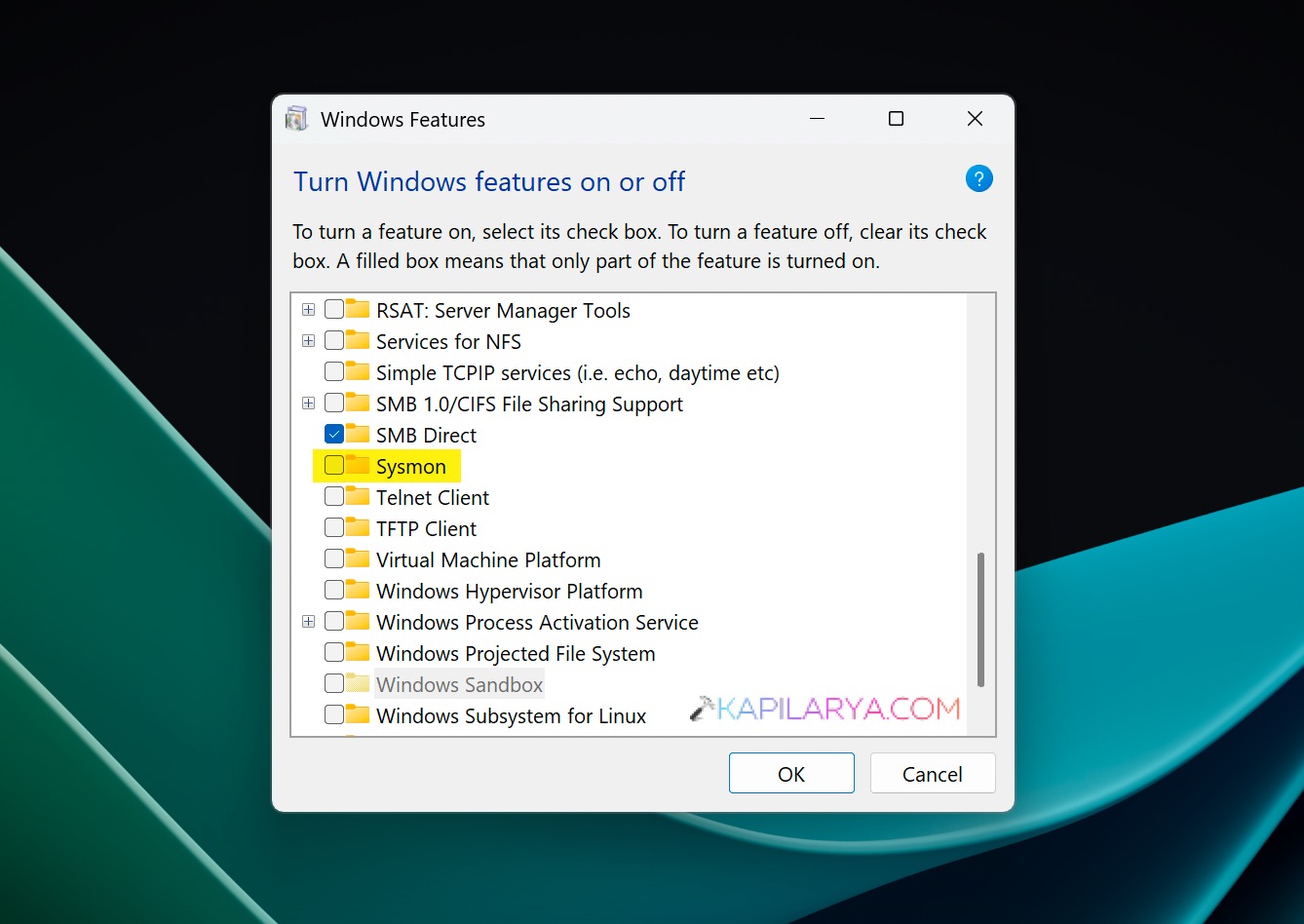
1. Sysmon
System Monitor (Sysmon) is a built-in Windows system service and device driver that, once installed, stays active across system reboots to track and record system activity in the Windows event log. It delivers in-depth insights into process creation, network connections, and modifications to file creation timestamps. The Sysmon service runs as a protected process, hence dis-allowing a wide range of user mode interactions.

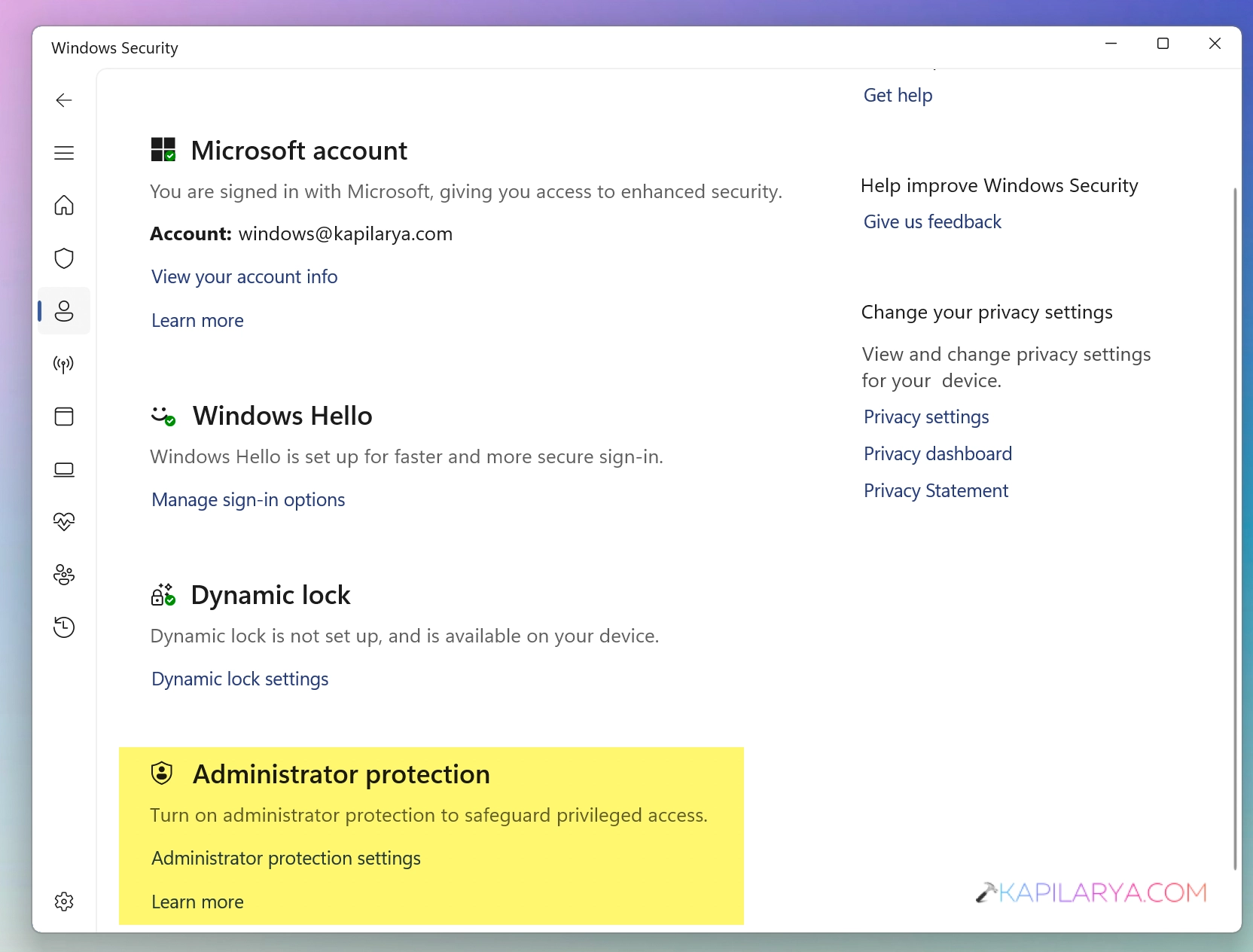
2. Administrator protection
Administrator Protection is a security feature in Windows 11 that keeps admin accounts in a safer state. When you try to run something that needs admin rights, Windows asks for confirmation or Windows Hello. Once the task finishes, the elevated access is removed. This helps prevent unwanted changes or silent elevation by apps, and that is why it is important to enable Administrator Protection on Windows 11.

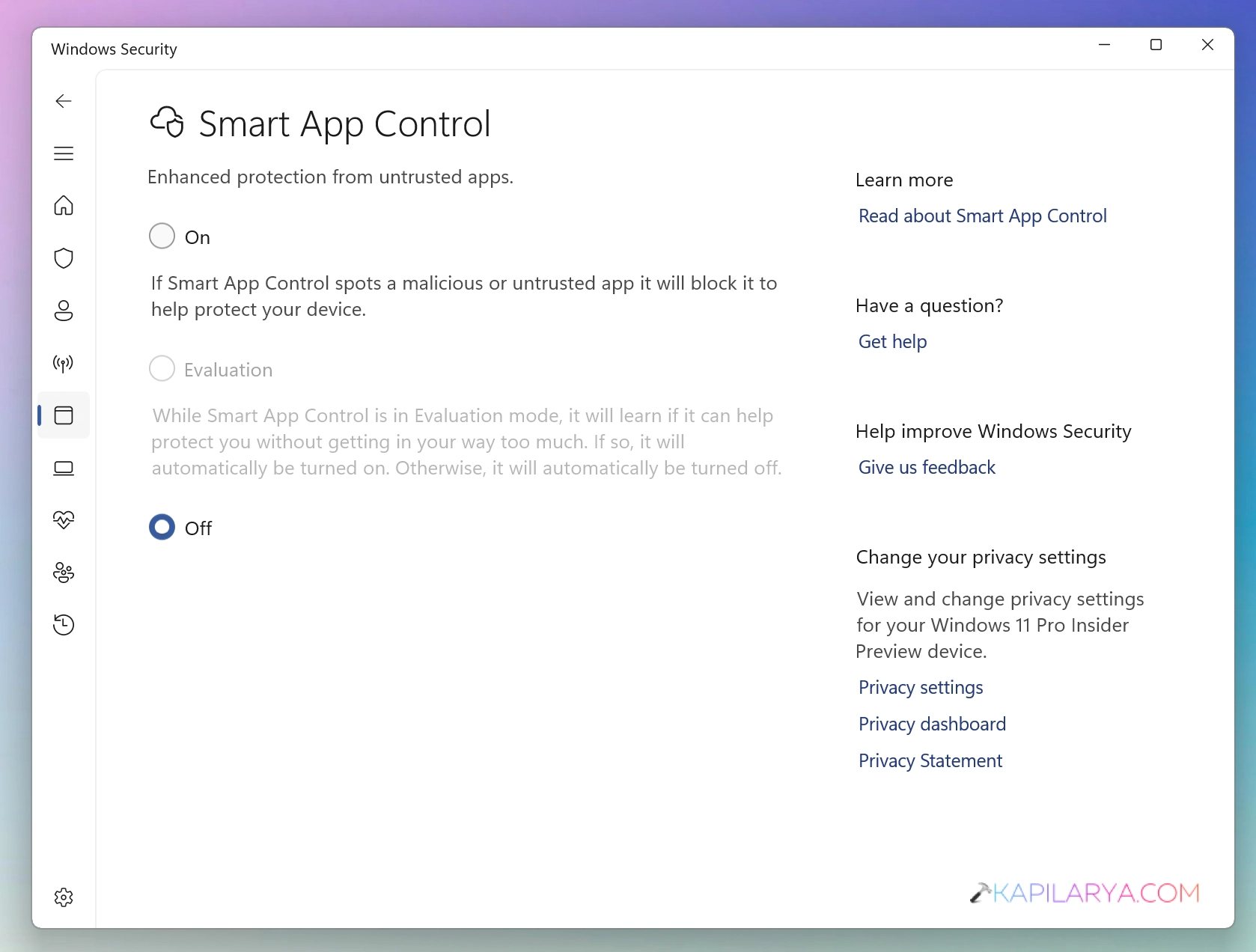
3. Smart App Control
Smart App Control adds significant protection from malware, including new and emerging threats, by blocking apps that are malicious or untrusted. Smart App Control also helps to block potentially unwanted apps, which are apps that may cause your device to run slowly, display unexpected ads, offer extra software you didn’t want, or do other things you don’t expect.

4. Windows Hello Enhanced Sign-in Security
Enhanced Sign-in Security provides a high grade of security for authenticating users data by signing in using Windows Hello. You can use a specialized grade of hardware and software components to allow ESS.
When ESS is enabled, you have to use the biometric devices that supports this feature. You can’t use regular external webcam or fingerprint reader to sign in, while ESS is enabled on your device.
5. Post-quantum cryptography
An update to cryptography in Windows 11. This include API support for NIST-standardized ML-KEM and ML-DSA algorithms. They include support for key exchange, signing, and decryption through CNG and .NET.
6. Driver Security enhancements
This changes how the Windows kernel trusts third-party drivers. They remove default trust for cross-signed drivers while maintaining support for WHCP and designated trusted legacy drivers.
7. File Explorer Updates
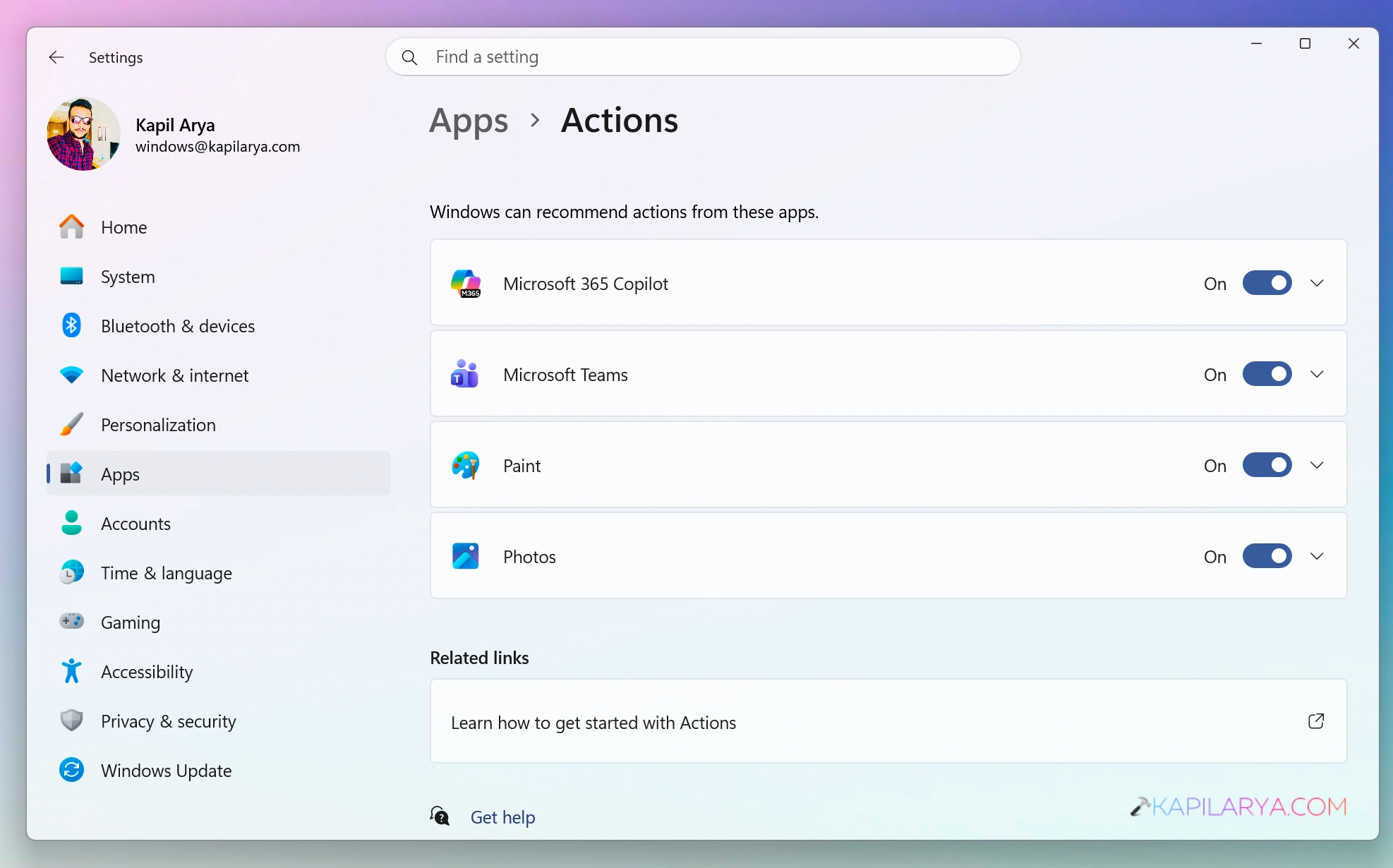
With Windows 11 Version 26H2, your File Explorer can leverage the benefits of AI actions. You can use this enhancement to summarize documents from OneDrive and SharePoint. You can also use this enhancement for tweaking images with supported action. You can also use quick actions from work or school account.

8. Windows Search
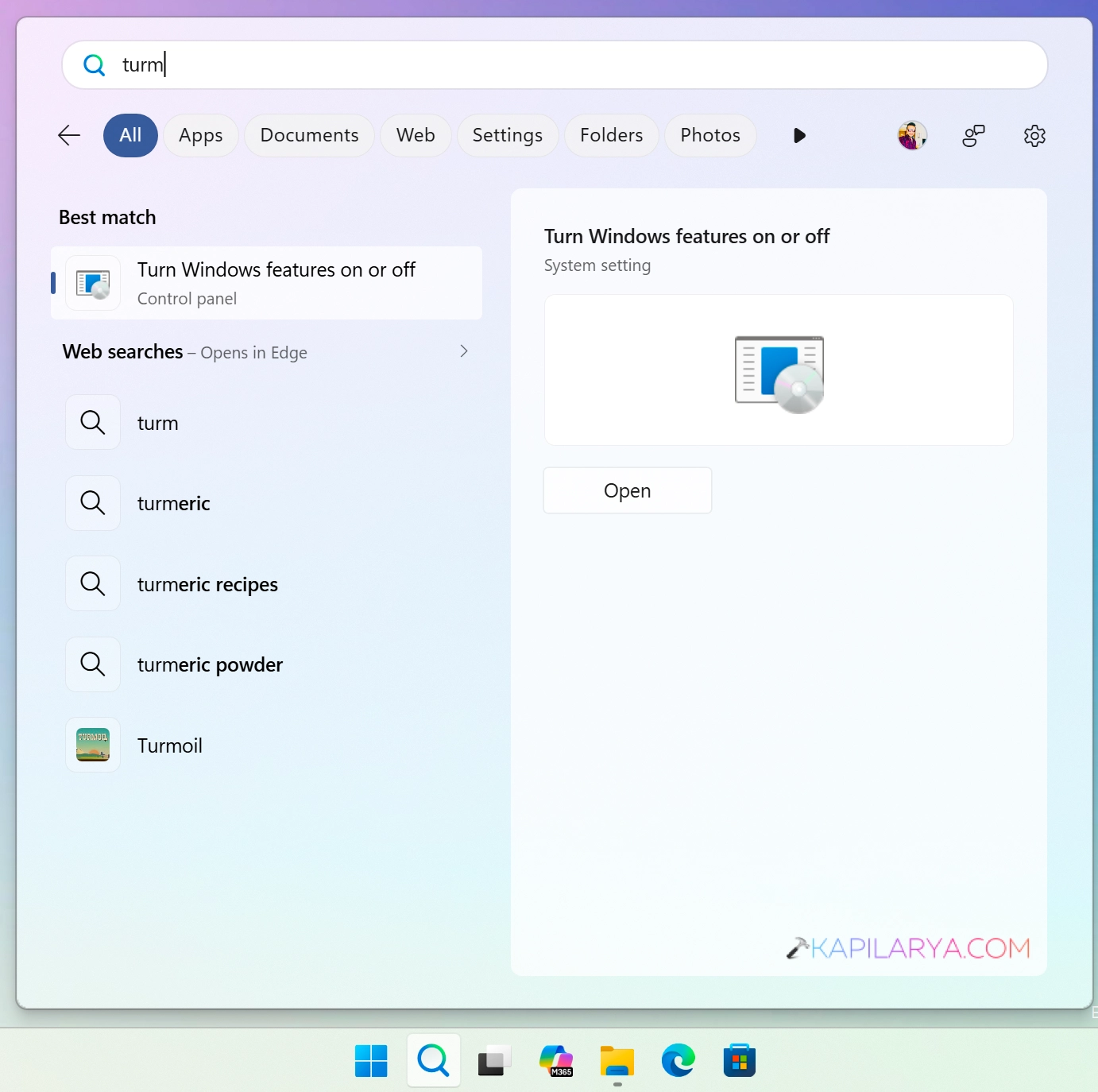
With this new version you will get enhanced preview of search results. Results are now made easier and easy to understand with the help of enhanced preview thing. The search can now handle typos, partial app names, and auto corrects to the actual app you are looking forward to.
9. Voice Access
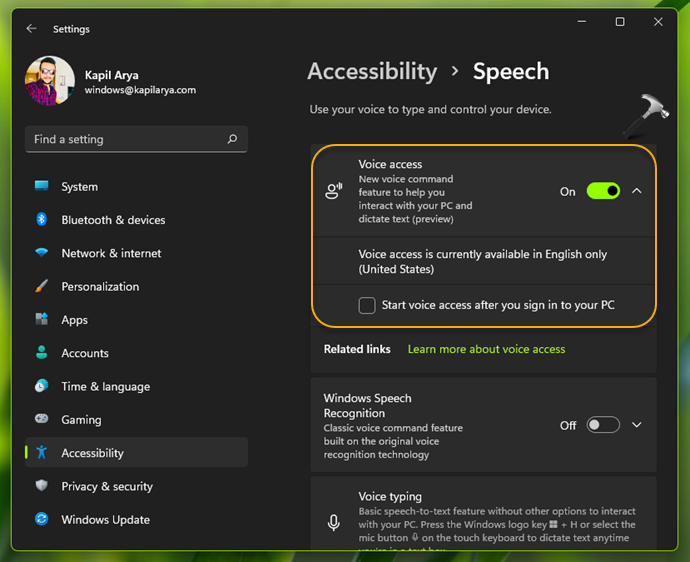
In Version 26H2, you will get natural language commanding on Copilot + PCs. It now provides additional language support. If there are a lot of background noise or other speaker, it can help you to improve recognition by isolating your voice.
10. Start and Taskbar enhancements
With windows 11 Version 26H2, you can now resize start and place taskbar on the different locations of your screen. You can now move the taskbar to top, left, right part of the screen with ease. This is one of the most demanding features from customers ever since of Windows 11. Finally you would see it being implemented with Version 26H2.

11. Management and deployment enhancements (for IT administrators)
These are the announcements IT administrators would be able to spot with Version 26H2 of Windows 11:
- Windows Autopilot device preparation supports device association. It helps organizations identify trusted devices before enrollment and enabling device-targeted policies, automatic corporate device enrollment, and additional OOBE customization.
- Windows settings backup and restore expands first sign-in restore to Microsoft Entra hybrid joined devices, Cloud PCs, and multi-user environments. Use it to restore user settings and Microsoft Store apps during device refreshes, upgrades, and migrations.
- Point-in-time restore for Windows provides another recovery option. Roll back a PC, including apps, settings, and personal files, to a recent automatic restore point.
- Policy-based app removal gives organizations more flexibility to remove preinstalled Microsoft apps on Enterprise and Education devices. Just specify additional MSIX and APPX packages through Group Policy.
- RSAT on Arm64 enables IT administrators to use tools including Server Manager, Group Policy Management Tools, DNS Server Tools, DHCP Server Tools, and Active Directory management tools on Windows 11 Arm64 devices.
- App update orchestration allows participating applications to coordinate updates with Windows Update for improved scheduling and a more streamlined update experience
*With inputs from Windows IT Pro blog.
Video guide
To explore more, here’s a video guide for you:
FAQs
1. Can I upgrade to Windows 11 Version 26H2 now?
Yes, you can now definitely upgrade to Windows 11 Version 26H2. The stable version has been evolved from many testing of Insider Preview builds, and it offers a solid stability.
2. I am on older version of Windows 11, can I directly upgrade to Version 26H2?
Yes, you can use the ISO upgrade also known as in-place upgrade to directly upgrade to the version 26H2, no matter what your current version is.
3. How long Windows 11 26H2 would be supported
The Version 26H2 would be supported for 24 months for Home and Pro editions. For Enterprise and Education editions, support would be for 36 months.